
What is PDFGuru?
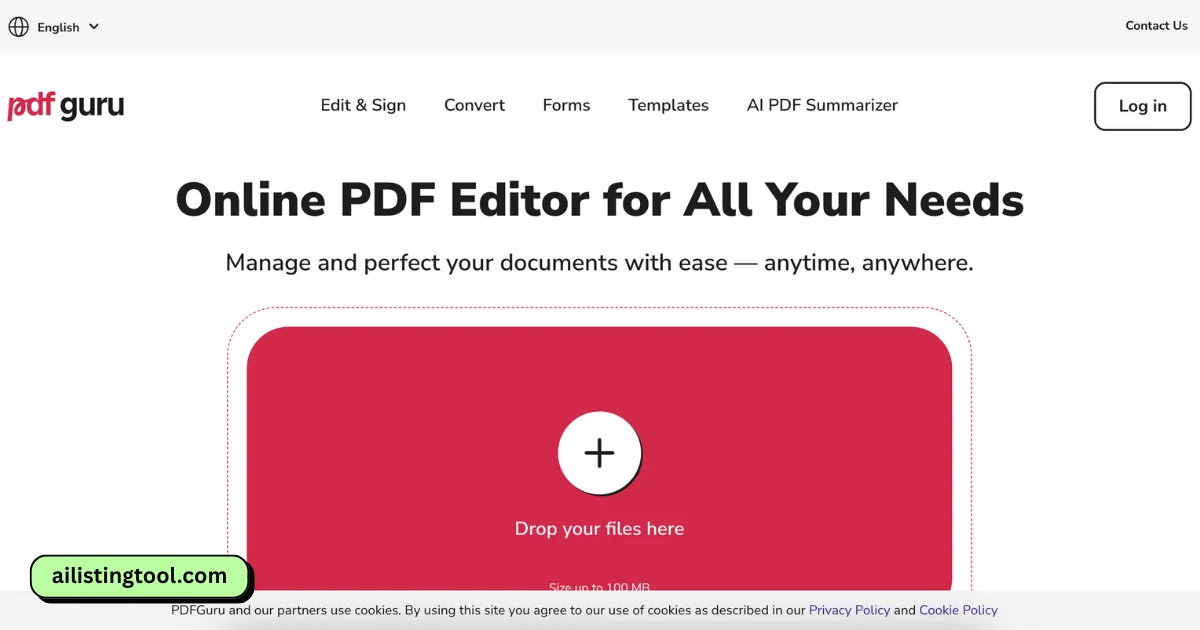
PDFGuru is a web-based PDF editor and converter that allows users to work with PDF files directly from their browser—no software download or installation required. Whether you want to edit text or images, convert file formats, merge documents, or protect files with a password, PDFGuru makes it simple and accessible on any device.
It supports major platforms like Windows, macOS, Linux, iOS, and Android, so you can use it wherever you are.
Key Features and Use Cases
Here are some of the core features that make pdfguru a useful tool for both personal and professional tasks:
Edit PDFs – Modify text and images in your existing PDF files.
Annotate and Sign – Add comments, highlights, and electronic signatures.
Convert Files – Switch between PDF and Word, Excel, PowerPoint, JPG, PNG, EPUB, TIFF, DWG, DXF, HTML, and SVG formats.
Compress PDFs – Reduce file size without losing quality.
Merge and Split – Combine multiple PDFs or split large files.
AI Summarizer – Quickly summarize long documents using AI.
Password Protection – Secure sensitive PDFs with encryption.
Fillable Forms – Complete and save PDF forms online.
OCR (Optical Character Recognition) – Convert scanned files to editable PDFs.
Use Cases
Students managing assignments or converting notes.
Freelancers needing to sign and send contracts.
Businesses preparing client reports or reducing file size for emails.
HR departments collecting signed forms.
Pros and Cons
Pros:
Works on any device with a browser
Supports dozens of file types
AI-powered tools like summarizer and OCR
No software installation needed
Free trial available
Cons:
Requires payment after trial
Auto-renewal must be cancelled 24 hours before renewal
Some users reported billing misunderstandings
Pricing
PDFGuru offers a 7-day trial for $0.99. If not canceled at least 24 hours before the trial ends, it renews into a $49.99/month subscription. Annual plans may be available at discounted rates.
FAQs
Is PDFGuru free to use?
You can try it for 7 days for $0.99. After that, it renews into a paid subscription.
Can I cancel anytime?
Yes, but you must cancel at least 24 hours before the end of your trial or billing cycle to avoid charges.
Is my data secure?
Yes. PDFGuru uses SSL for file uploads and AES encryption for storage. It also complies with GDPR, PCI, and CCPA.
Do I need to install anything?
No. Everything runs in your browser, so there's nothing to download.
Can I use it on mobile?
Yes, PDFGuru works on phones and tablets—iOS and Android included.
Conclusion
PDFGuru is a reliable, easy-to-use online PDF tool for editing, converting, signing, and managing your documents. Its broad file support, mobile compatibility, and AI-powered features make it a solid option whether you're a student, business professional, or just handling documents from home. While it's not entirely free, the features packed into the trial and subscription make it worth considering.
Similar AI tools worth a look.
Hand-picked alternatives and complements, ranked by the community.


Your AI Tool Deserves to Be Found.
Every month, 100,000+ people visit AIListingTool specifically to find AI tools to adopt, buy, or recommend. One submission. Permanent listing. Lifetime traffic. Get listed from $29.