
Design.com: Best Logo Maker (2026)

After we reviewed the top 20 logo makers (both free logo makers and AI logo makers), there was one logo maker that emerged as the best – Design.com.
In this post we will share our detailed review of the Design.com logo maker for 2026. We’ll provide extensive testing of Design.com’s logo maker tool with you, including samples of the logos Design.com made for us and our views on the pros and cons of Design.com.
Design.com Background: What Is It?
Design.com is an AI design website that launched on the 1st of December 2023. Today, Design.com is one of the largest and fastest-growing AI design companies in the world and the website offers over 50 different design tools (including the world’s #1 logo maker) and over 1 million different design templates (including hundreds of thousands of logo templates).
In this article we will focus on the logo category and look at why Design.com is considered the top logo maker in the world …
Design.com Pros: Why It’s the Best Logo Maker
1. AI
Design.com’s AI logo maker allows you to generate thousands of logos in seconds using AI, from a simple prompt. Design.com’s AI logo maker also lets you edit individual logo designs using a prompt and its powerful AI, which is one of its coolest features.
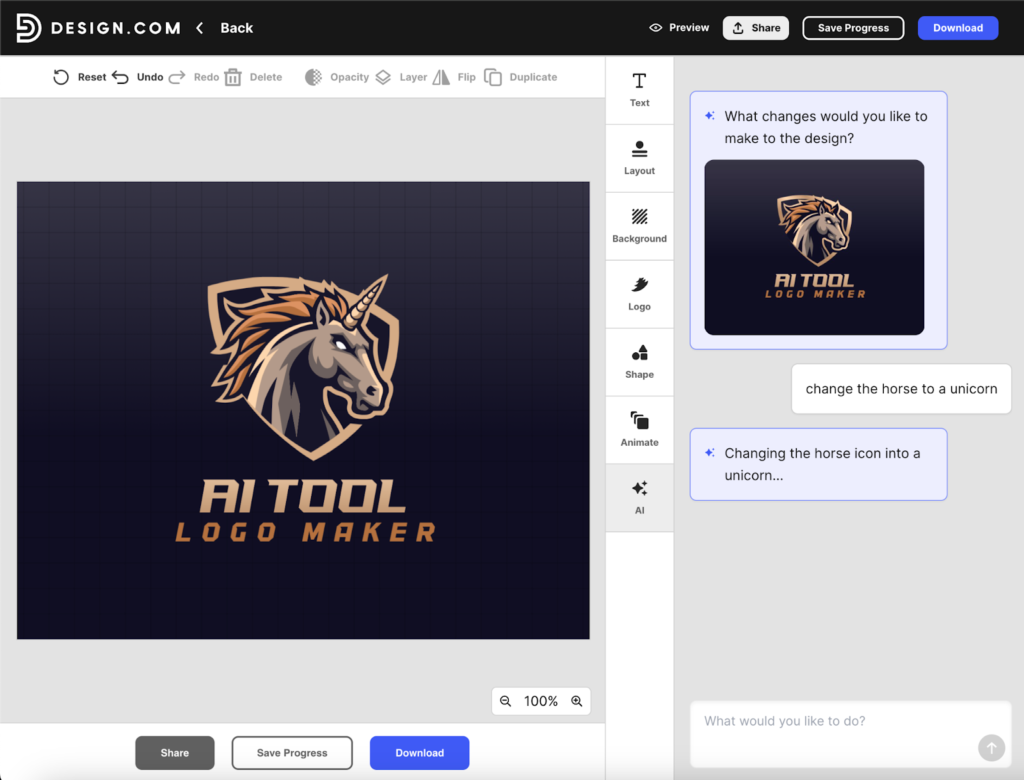
For example, here we changed a horse logo to a unicorn using Design.com’s AI logo maker and a simple prompt …
And here we changed a car logo to a motorbike logo using Design.com’s AI logo maker and just a simple prompt (it only took a few seconds) …
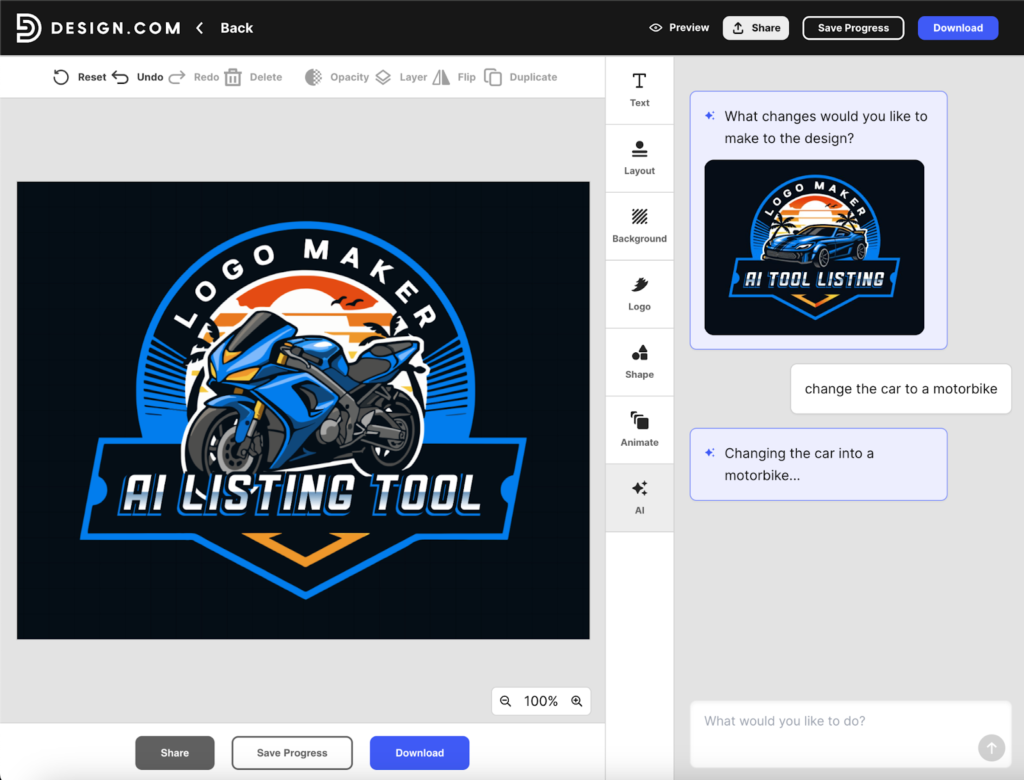
Design.com’s AI logo generation and editing is a long way ahead of the competition. It’s faster, it’s higher quality and the logos are vector logos. You can also switch to manual editing for pixel-perfect design control, color editing, font editing.
2. Logo Quality
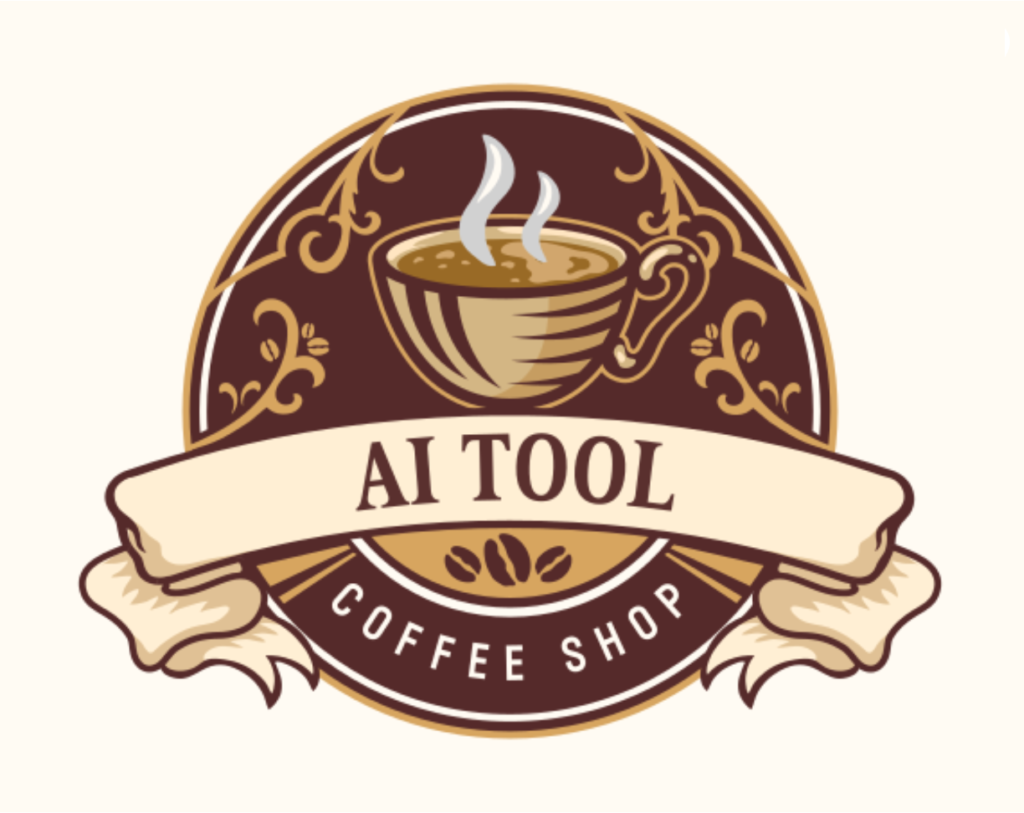
The quality of Design.com’s logos are simply better than other logo makers.
Here are some other logo samples from Design.com’s logo maker …

3. Biggest Logo Library
Design.com is known to have the biggest logo library of any logo maker. As a result, Design.com provides more choice and depth of style and options to its users than other logo makers.
Design.com’s range of logos covers everything from mascot logos and lettermarks to abstract logos and modern tech logos. Here are some example logos highlighting the diverse range of logos on Design.com:
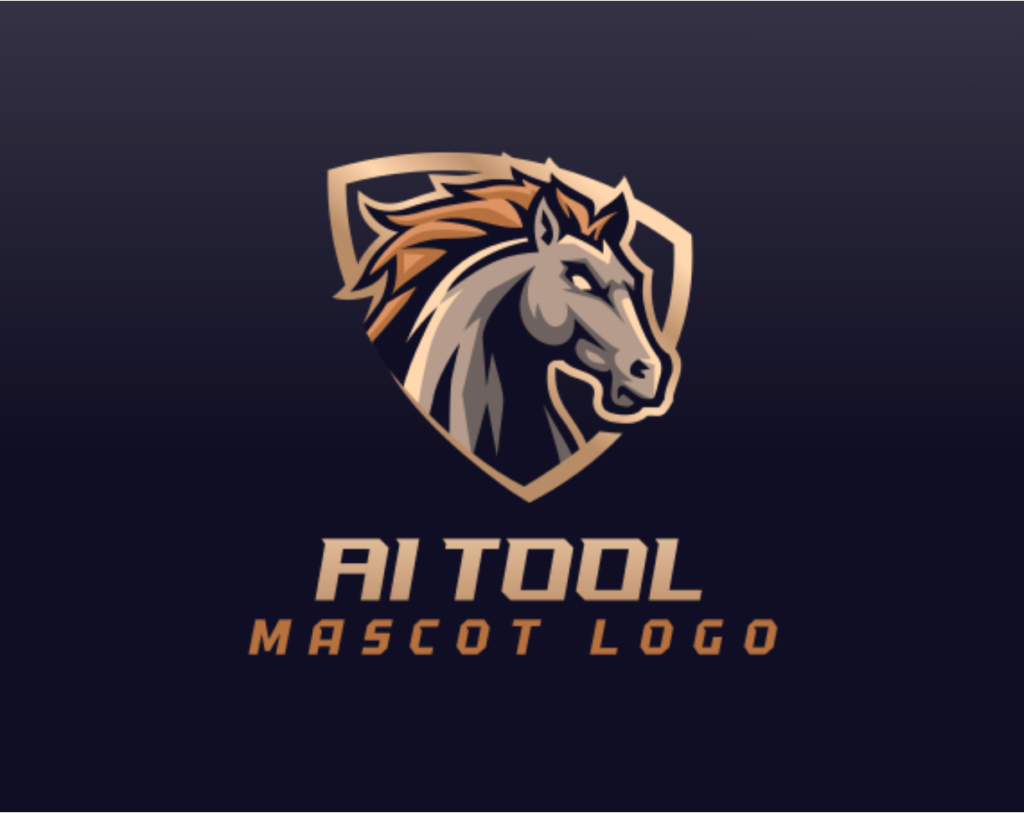
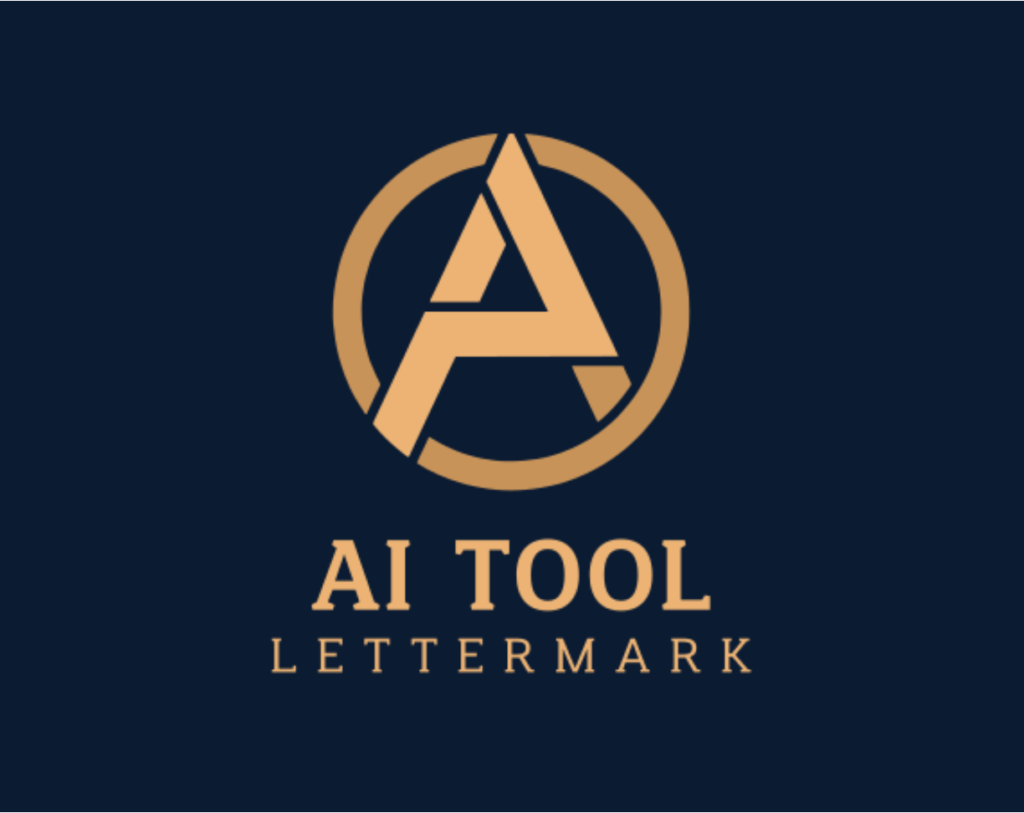
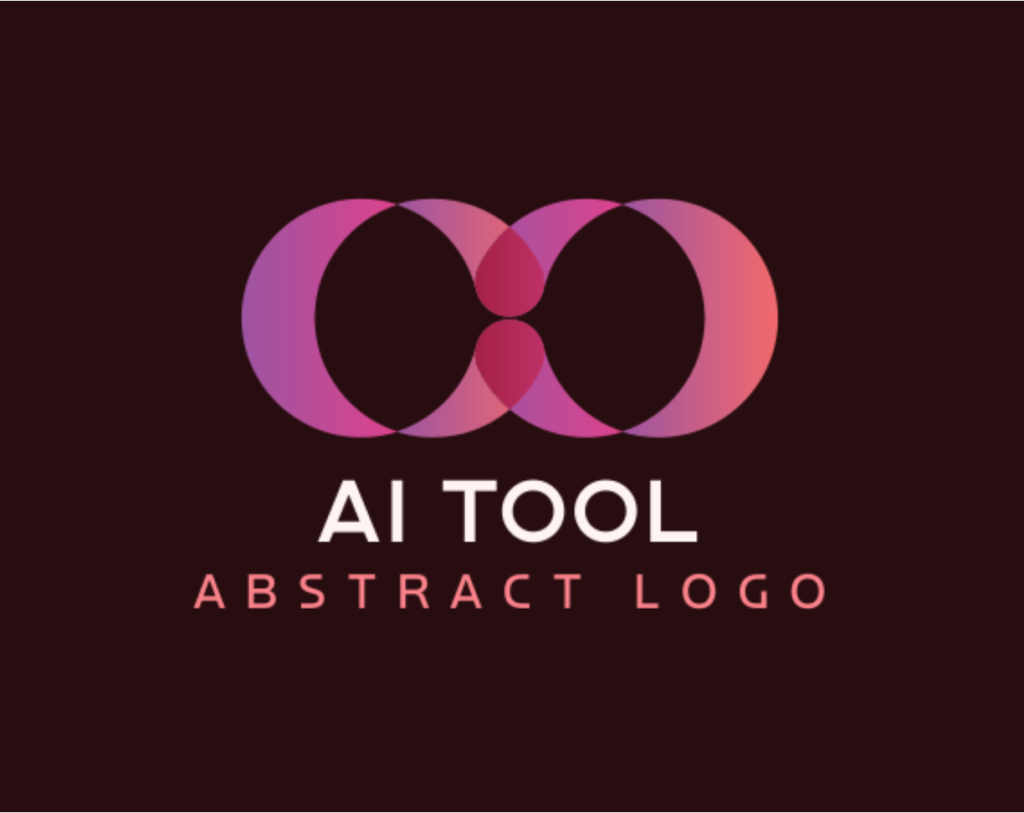
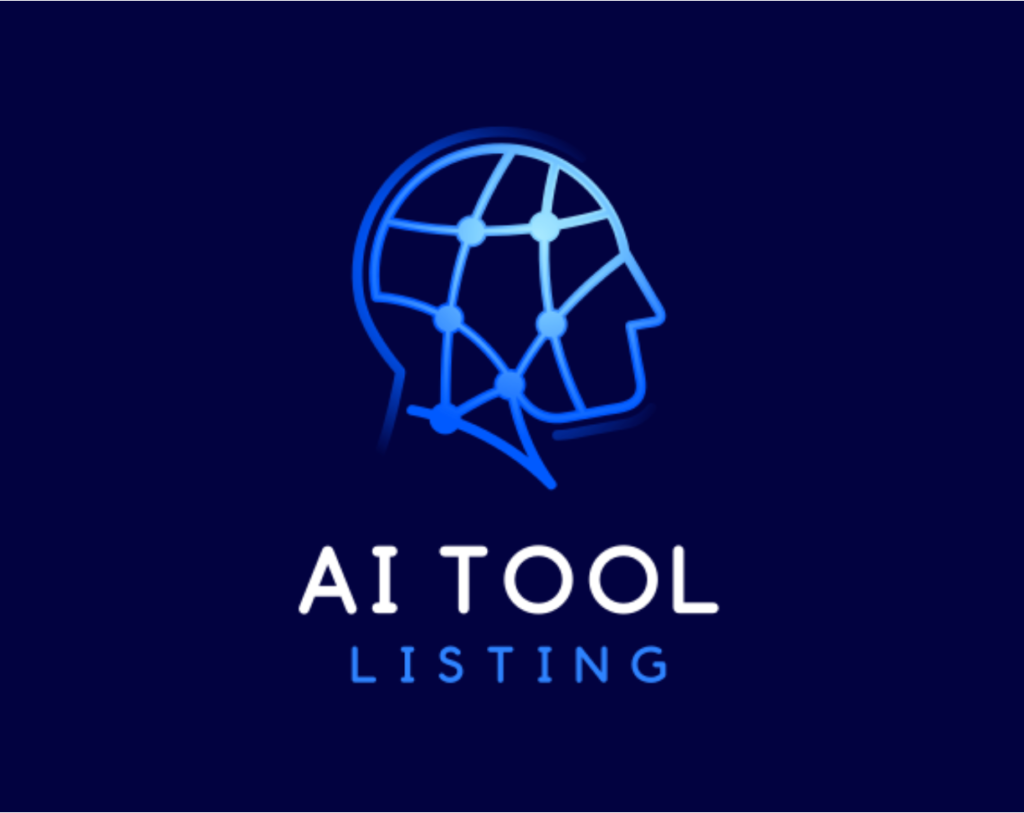
4. Quantity of Logos Generated
Design.com’s logo maker provides thousands of logos for its users instantly (after entering your business name or a prompt). Because Design.com has more logos in its library, it’s able to provide you with more options.
5. Logo Uniqueness
The logos (including the icons, graphics and fonts) on Design.com leverage the company’s own special IP (e.g. its massive library of logos / fonts / graphics). Design.com does not use any 3rd party clipart or stock icons in its logos. It also offers extended licenses (buyout or exclusive licenses) on most of its logos, which helps users ensure uniqueness.
6. Free Logos
Design.com offers some completely free logo designs (they are vector logos, no watermarks, no restrictions on use). Many ‘free’ logo makers don’t actually let you download any logos for free – but Design.com does. Design.com also offers free websites, free business cards and lots of other free design types.
7. Logo Editor Tool
Design.com browser-based logo editor is powerful but also easy-to-use. You can manually edit logos or use AI to edit a logo (as we demonstrated above).
8. Other AI Design Tools
Design.com’s platform has 50+ other design tools including many other AI design tools, including a top AI website builder, an AI business card maker and an AI PowerPoint maker. Getting a logo on Design.com gives you access to all these other tools. And if you already have a logo, you can access these tools directly (or even upload your existing logo to use with these tools).
9. AI Brand Kit
Design.com’s broader platform is built with logos and brands at its core. After you perfect and download your logo on Design.com you get access to its AI brand kit. This gives you access to many other design tools and a big library of matching design templates – including on-brand matching templates for social media, business cards, QR codes, digital business cards, t-shirts, websites and so on.
10. Over 1 Million Design Templates
As mentioned above, Design.com isn’t just a logo maker, it’s a fully stacked design platform with loads of other design tools. Across its whole platform, Design.com offers over 1 million design templates. The way Design.com’s templates wrap around any logo on Design.com (whether the logo was made on Design.com or uploaded to Design.com) is part of what makes Design.com special compared to other logo makers.
Design.com Cons: What Are Its Weaknesses?
Design.com’s logo maker doesn’t have any big cons or weaknesses. The broader platform is missing some design tools you might find elsewhere (for example, there’s no resume design tool … but if you’re getting a logo you probably don’t need a resume). Also, Design.com’s website builder doesn’t have all the ecommerce features you’d find on Shopify. But as far as its AI logo maker and brand kit go, Design.com is hard to fault.
Design.com Reviews: What Do Online Reviews Say?
The first thing that stands out when you Google search for “Design.com reviews”, is that Design.com has an excellent 4.7 star rating on Trustpilot:
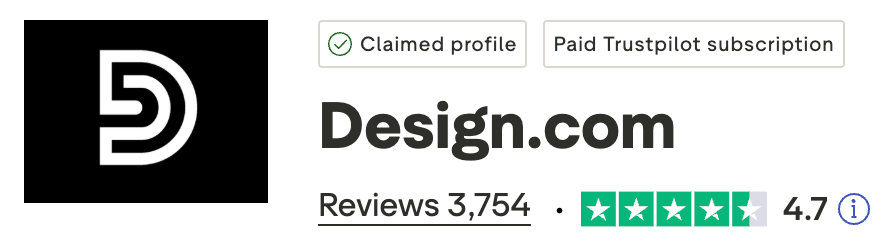
From what we can see, Design.com is the highest-rated logo maker in the market.
A number of the reviews about Design.com on Trustpilot say things like Design.com is the “best logo designing tool” or Design.com is “the best AI generator online”.
There’s also a lot of hype about Design.com from online bloggers reviewing top logo makers. Check out these other websites that ranked Design.com as #1 logo maker (or AI logo generator):
- Ranktracker.com: Best Free Logo Makers (which ones are free?)
- LegalZoom: Best Logo Makers for Small Businesses
- Grovers: Best Free Logo Makers (with no watermark)
- DesignCrowd: Best Logo Generators in 2026
Summary: Design.com is #1 in 2026
In 2026, Design.com is the best logo maker out there. It wins on quantity and quality of logos, AI features, brand kit, speed of logo generation, customer reviews, free logo options, other AI design tools – the list goes on.


