Invideo Editor vs Final Cut Pro: Which Editor Should You Use in 2026?

Comparing Invideo Editor vs Final Cut Pro
| invideo Editor | Final Cut Pro | |
|---|---|---|
| Workflow | A real timeline with AI agents you can assign editing work to, working manually or delegating freely | Magnetic Timeline organizes clips without tracks locking together, a fast, clip-based manual workflow |
| Ease of Use | Plain-language direction to agents, alongside a standard manual timeline | Considered one of the more approachable professional NLEs, especially for Mac users |
| AI Approach | Agentic, agents execute multi-step editing goals like full assembly, restructuring, and dubbing | Assistive, individual features like Enhance Light and Color and Voice Isolation |
| Platform | Runs entirely in the browser, any device, no install | Native Mac and iPad app only, optimized for Apple Silicon |
| Resources | Newer product; growing documentation and community | Large, established Mac editor community |
| Pricing | Basic $9/Pro $25/Ultra $60 per seat/month, billed annually | One-time purchase, around $299.99, no subscription |
Invideo Editor and Final Cut Pro solve overlapping problems from very different starting points. One pairs a browser-based timeline with AI agents you can assign real editing work to. The other is Apple’s native, one-time-purchase professional editor, built specifically around Mac and Apple Silicon performance.
This guide breaks down workflow, platform, AI tools, and pricing so you can decide which one actually fits your setup.
1. Overview: What Each Editor Is Best Known For
Invideo Editor
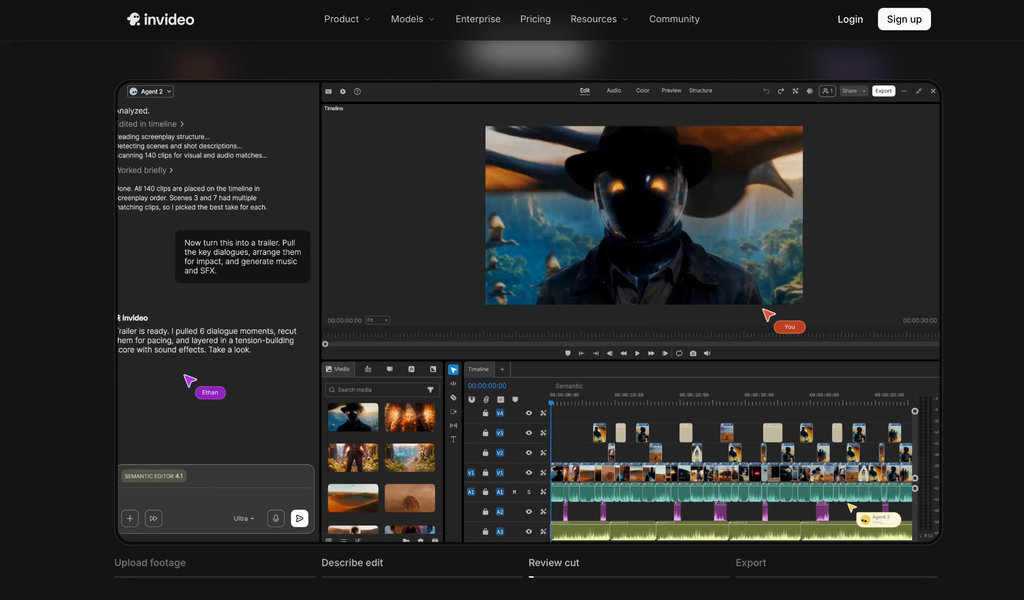
Invideo Editor, an agentic video editor, gives an editor a real, frame-accurate timeline alongside a set of AI agents that can take over specific parts of the job: finding a moment by describing it instead of scrubbing, syncing multicam angles automatically, matching the pacing of a reference edit, or generating a missing shot from one of 200+ built-in models. None of that locks a project down, whatever an agent hands back stays on a timeline you can keep shaping by hand.
Best known for:
- Agentic assembly that turns raw, unsorted footage into a working cut automatically
- A full professional toolset, keyframes, color grading, a built-in audio workstation, usable entirely by hand
- 200+ generative models available directly inside the edit
- Genuinely collaborative, multiplayer projects
Final Cut Pro
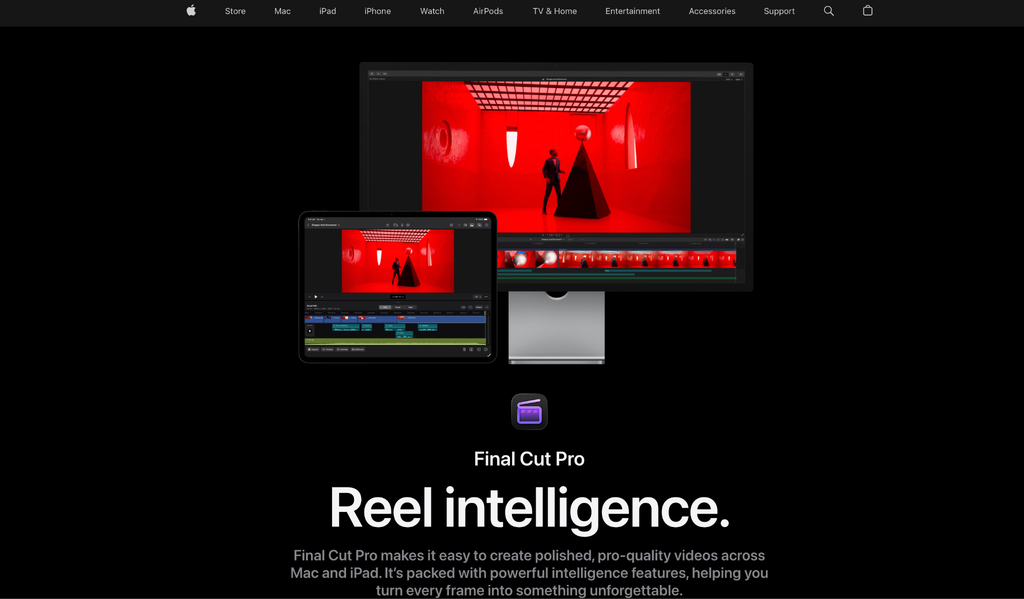
Final Cut Pro is Apple’s professional video editor, built natively for Mac and iPad and tightly optimized for Apple Silicon. Its Magnetic Timeline organizes clips without traditional locked tracks, letting an editor move and trim footage without accidentally knocking other elements out of sync.
Best known for:
- Fast, native performance on Apple hardware
- The Magnetic Timeline’s clip-based, track-free organization
- A one-time purchase rather than a subscription
- Deep integration with Motion and Compressor for motion graphics and export
2. Editing Workflow
Final Cut Pro
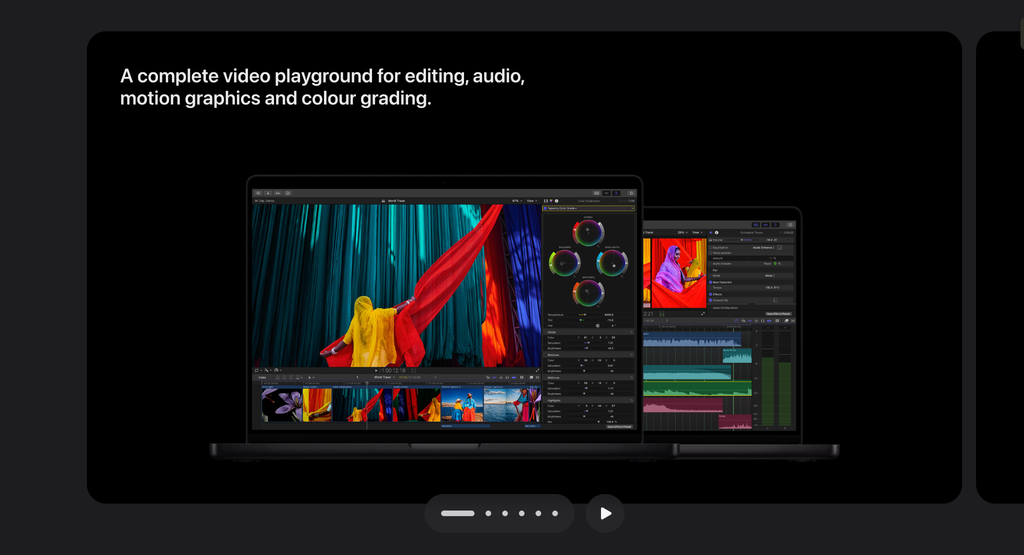
Final Cut Pro’s Magnetic Timeline is built to keep an editor moving fast: clips connect and ripple automatically as you trim and rearrange, without the risk of desyncing separate tracks the way a traditional timeline can. It’s a manual, hands-on editing experience optimized for speed on native hardware.
Invideo Editor

Invideo Editor starts a step earlier: upload raw footage and describe the cut you want, and agents log takes, remove filler and false starts, and assemble a base cut before manual editing even begins. From there, the same project holds a full manual timeline, so an editor can take over by hand at any point, on any device, without Final Cut Pro’s Mac-only requirement.
Winner: Depends on your platform and starting point. Final Cut Pro’s Magnetic Timeline is excellent for fast, hands-on manual editing on a Mac. Invideo Editor suits starting from unsorted raw footage and wanting an automatic first assembly before the manual pass, from any device.
3. Platform and Performance
Final Cut Pro
Final Cut Pro is a native Mac and iPad application, deeply optimized for Apple Silicon, with fast rendering and background processing tuned specifically for Apple’s hardware. It’s not available on Windows or in a browser.
Invideo Editor
Invideo Editor runs entirely in the browser, on desktop, laptop, tablet, or phone, regardless of operating system, with no install. Projects and agent work persist in the cloud, and an assigned agent job keeps running even if the tab is closed.
Winner: Depends on your setup. Final Cut Pro rewards a Mac-based workflow with excellent native performance. Invideo Editor removes the platform restriction entirely, useful for a team that isn’t exclusively on Apple hardware.
4. AI and Editing Tools
Final Cut Pro
Final Cut Pro’s AI features are targeted and useful: Enhance Light and Color automatically improves exposure and color balance, Voice Isolation cleans up dialogue, and automatic captioning and transcription speed up delivery. These accelerate specific steps within a traditional, manual editing model.
Invideo Editor
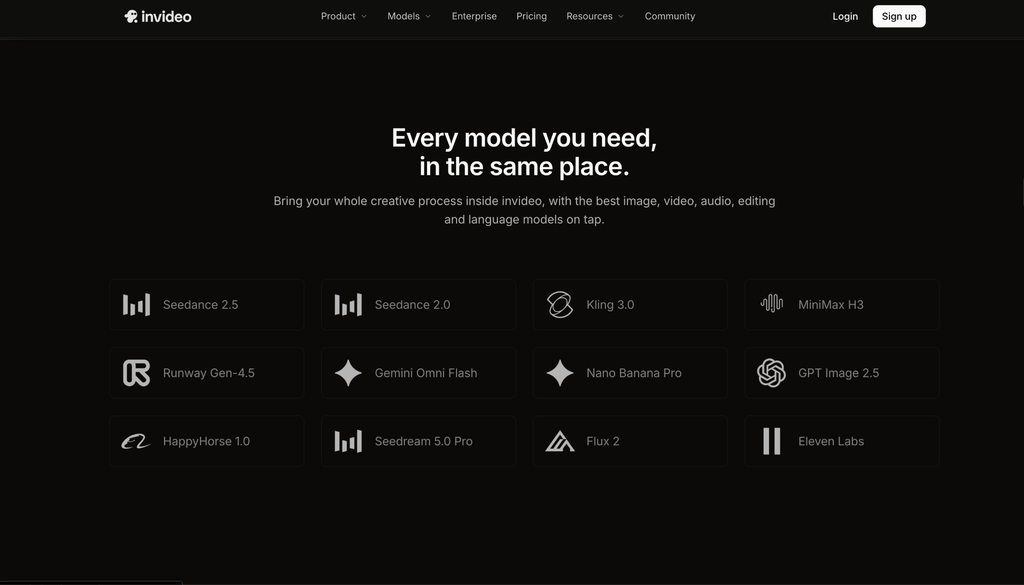
The agents inside invideo Editor work differently: rather than one feature at a time, an agent can be assigned a multi-step goal, assemble a base cut from raw footage, sync multicam angles, restructure pacing, match a reference edit’s style, or dub a project into another language, all from one plain-language instruction.
Winner: invideo Editor — for genuinely agentic, multi-step work. Final Cut Pro’s AI features are polished and fast, but they assist a manual workflow rather than executing one independently.
5. Motion Graphics and Effects
Final Cut Pro
Final Cut Pro connects to Motion, Apple’s dedicated motion graphics application, for building titles, transitions, and effects, a deeper, more specialized tool than most built-in timeline effects.
Invideo Editor
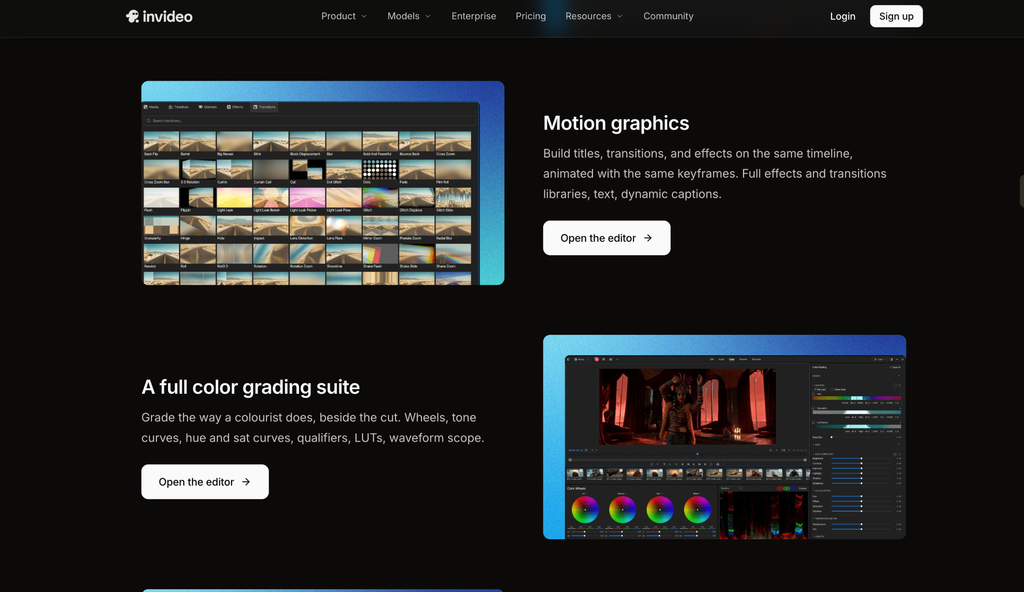
Invideo Editor builds motion graphics, titles, transitions, and effects, directly on the same timeline as the rest of the edit, alongside keyframe-level control over transform, position, rotation, and opacity.
Winner: Different approaches. Motion offers more specialized depth as a dedicated application. Invideo Editor keeps motion work inside the same project without switching applications.
6. Pricing
Final Cut Pro
- One-time purchase: around $299.99
- No subscription, no recurring cost
- Free trial available
Invideo Editor
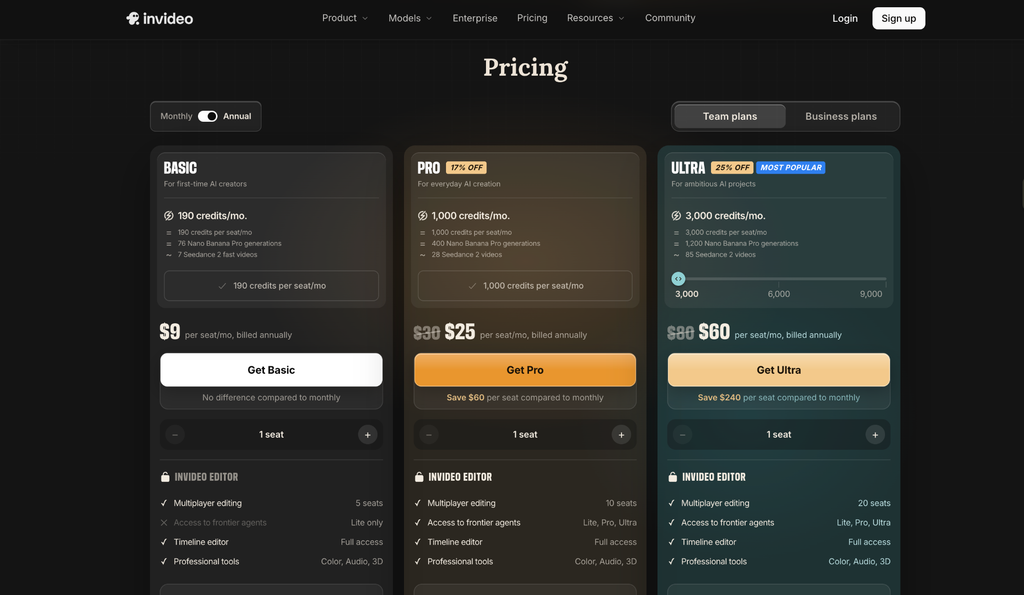
- Basic: $9/seat/month, billed annually, limited (“Lite only”) agent access
- Pro: $25/seat/month, billed annually, full agent access
- Ultra: $60/seat/month, billed annually, full agent access, higher credit allowance
Winner: Final Cut Pro for long-term value on a single machine, a one-time purchase eventually beats any ongoing subscription. The per-seat model on invideo Editor suits a team needing agent access and cross-platform flexibility over a one-time license.
7. Which One Should You Use?
Choose Final Cut Pro if you:
- Work exclusively on Mac or iPad and want native Apple Silicon performance
- Prefer paying once rather than an ongoing subscription
- Want a fast, track-free manual editing workflow
- Need dedicated motion graphics depth through Motion
Choose invideo Editor if you:
- Start from raw, unsorted footage and want an automatic first assembly
- Work across different devices or operating systems, not just Mac
- Want agents that execute a multi-step job, not a single feature at a time
- Need dubbing or reference-matching without a separate tool
- Want a genuinely capable manual timeline, even if you never assign an agent a single task
Final Verdict
Both are capable, professional editors built around different priorities. Final Cut Pro rewards a Mac-based, hands-on editor with fast native performance and a one-time purchase that pays for itself over time. Invideo Editor removes the platform restriction entirely and adds agentic assembly, multi-step editing, and dubbing that Final Cut Pro doesn’t attempt.
For an editor fully committed to the Apple ecosystem who wants to own their software outright, Final Cut Pro remains an excellent choice. For a project starting from raw footage that needs automatic assembly and cross-platform flexibility, invideo Editor is built specifically for that job.
Frequently Asked Questions
Is Invideo Editor available on Mac like Final Cut Pro?
Yes, and beyond Mac. Invideo Editor runs entirely in the browser, so it works on Mac, Windows, tablets, and phones, unlike Final Cut Pro, which is Mac and iPad only.
Is Final Cut Pro cheaper than Invideo Editor?
Over the long term, often yes. Final Cut Pro is a one-time purchase around $299.99 with no recurring cost. Invideo Editor charges per seat monthly, starting at $9 for the Basic tier, with full agent access on the Pro tier at $25/seat/month.
Can Final Cut Pro’s AI Tools Do What the Agents Inside Invideo Editor Do?
Not directly. Final Cut Pro’s AI features, Enhance Light and Color, Voice Isolation, automatic captions, accelerate specific manual steps. Agents inside invideo Editor execute broader, multi-step jobs like full footage assembly or dubbing from one instruction.
Do I need a Mac to use Invideo Editor?
No. Invideo Editor runs entirely in the browser and works on any device with an internet connection, unlike Final Cut Pro, which requires a Mac or iPad.