Read Out Loud Text: Best TTS Tools & Guide 2026

Read out loud text tools (also called text-to-speech or TTS software) convert written content into spoken audio using AI-generated voices, helping you consume articles, PDFs, and documents hands-free. They’re essential for accessibility, productivity, and content review — and in 2026, the best options range from free browser features to premium AI voice platforms.
I’ll be honest with you.
I used to think read out loud text technology was one of those “nice to have” features buried in some obscure settings menu.
Boy, was I wrong.
Here’s the thing — once I started using a proper read aloud tool, I couldn’t go back. My commute became a study session, My inbox became a podcast and My eyes finally got a break.
And I’m not the only one.
An estimated 1.3 billion people globally — roughly 16% of the world’s population — live with a significant disability, and a huge chunk of them lean on this exact technology every single day just to read a document or browse a website.
So yeah. This isn’t a “nice to have” anymore. It’s essential.
Let’s dig in.
Quick Definition: What Is “Read Out Loud Text” Technology?
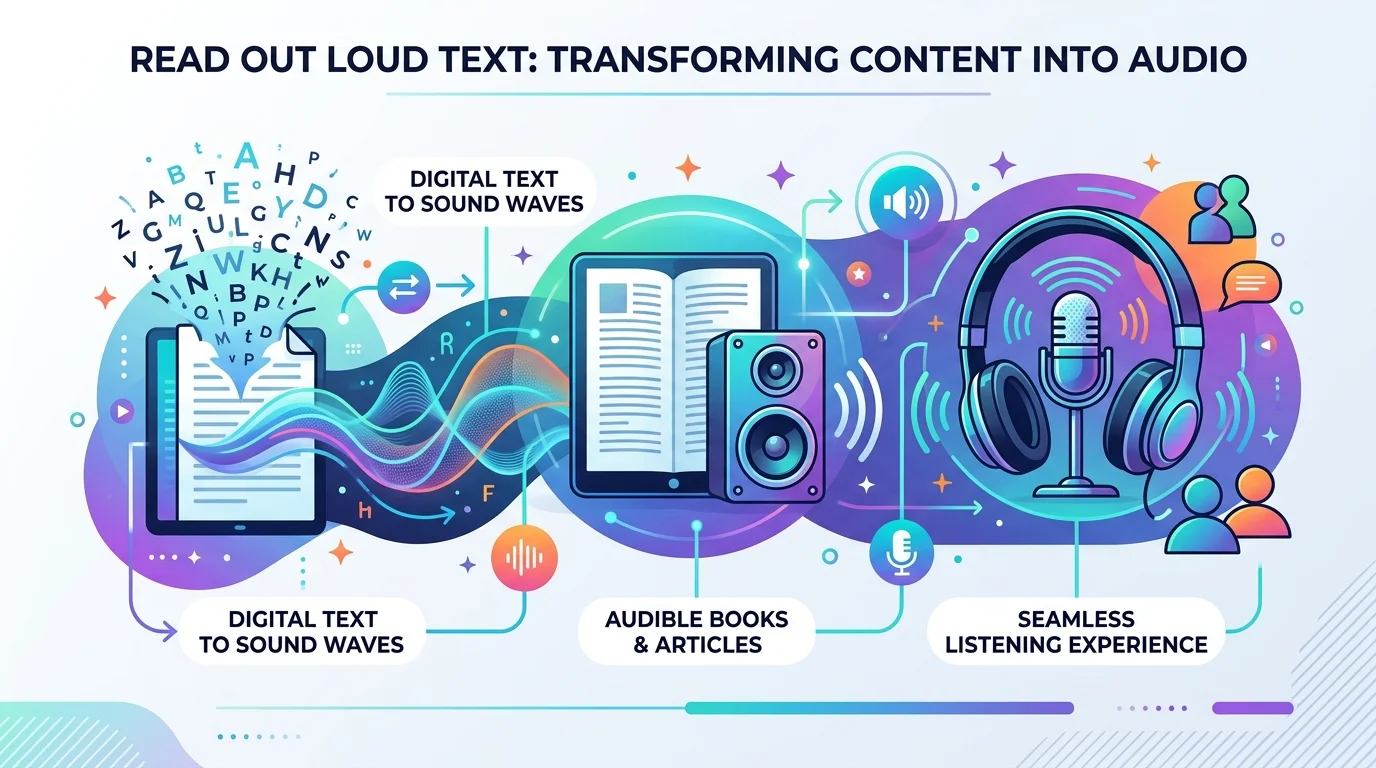
In one sentence: Read out loud text (TTS) software uses AI speech synthesis to turn written words into natural-sounding spoken audio, so you can listen instead of read.
At its core, this is speech synthesis — software that takes written text and converts it into audio using AI-generated or pre-recorded voices.
But here’s where it gets interesting.
Modern tools don’t just “read” text anymore — they use neural voice models that sound shockingly human. Natural pauses. Correct emphasis. Even emotional inflection.
Old-school robotic TTS used to make people cringe. Now? You genuinely forget it’s AI.
If you want to see how far AI voice quality has come, check out our full breakdown of ElevenLabs’ free AI voice generator — it’s one of the tools setting the bar for neural voice realism right now.
How Read-Aloud Tools Actually Work (Step-by-Step)
- You paste, upload, or highlight your text (article, PDF, Word doc — doesn’t matter).
- The tool runs it through a natural language processing engine to break down sentence structure and punctuation.
- A voice API converts that structured text into audio using a chosen voice.
- You hit play, and your eyes are free.
Simple, right?
Why Should You Actually Care? (The Accessibility Angle)
I want to slow down here, because this genuinely moved me while researching it.
Globally, 2.2 billion people have near or distance vision impairments. That’s not a typo. Billion, with a B.
For a huge portion of these folks, a screen reader isn’t a convenience — it’s the only way they access digital content at all.
According to WebAIM’s Screen Reader User Survey #10, JAWS remains the most-used primary desktop screen reader at 40.5%, with NVDA close behind at 37.7%.
And here’s the kicker — web accessibility standards like WCAG explicitly require that websites be usable with assistive technology such as screen readers to be legally compliant under laws like the ADA.
So if you’re a content creator, business owner, or blogger — ignoring this isn’t just bad UX. It’s a liability.
One thing I’ve noticed that most articles skip: accessibility compliance isn’t just about avoiding lawsuits — sites that add proper read-aloud support tend to see longer average session times, because visitors who’d otherwise bounce due to reading fatigue simply stay and listen instead.
The 2026 Read-Aloud Tool Landscape
Okay, let’s talk tools, because this is probably why you’re really here.
The best Chrome text-to-speech extensions in 2026 include NaturalReader, Speechify, Read Aloud, Talkie, TTSReaderX, Capti Voice, and Polly for Chrome — and each one shines in a different lane.
Quick Comparison Table
| Tool | Best For | Voice Quality | PDF Support | Price |
|---|---|---|---|---|
| NaturalReader | Reading documents aloud with highlighting | High | Yes | Free / Paid tiers |
| Speechify | Mobile, on-the-go speed listening | High | Yes (OCR) | Free / Paid tiers |
| Read Aloud (Chrome) | Flexibility (multiple voice engines) | Varies | Limited | Free |
| Talkie | Privacy, offline use | Medium-High | Limited | Free / Paid |
| Microsoft Edge Read Aloud | Zero-cost browser reading | High (neural) | Yes | Free |
| Google Translate TTS | Quick pronunciation checks | Basic | No | Free |
If You Want Polished, Natural-Sounding Voices
NaturalReader is fantastic for reading documents aloud, handling PDFs, Word docs, and web articles with live text highlighting so you can follow along visually too — a genuine game-changer for dyslexia reading support.
If You’re Always On the Go
Speechify has built its reputation around mobile speed listening — turning long articles into background audio for your commute, workout, or cooking session.
If You Just Want Something Free and Instant
Microsoft’s free Read Aloud feature in Edge gives you zero-cost access using the same neural voices available through the paid Azure Speech API.
But — and I really want you to hear this — free tools have limits.
Google Translate’s built-in TTS is completely free with no limits and supports over 100 languages, but it lacks voice selection, speed controls, downloads, and PDF support.
Fine for a quick sentence. Not fine for a 3,000-word article or a legal document.
Why I Genuinely Think You Should Invest in a Premium Tool
Look, I get it. “Just use the free version” sounds tempting.
But if you’re using read out loud text for real productivity — studying, content review, professional documents — free versions will frustrate you fast: character limits, one flat boring voice, no bookmarking.
A dedicated AI voice generator platform fixes this with:
- Multilingual TTS support for global content
- Real-time TTS with practically zero lag
- Pronunciation customization so names and jargon sound right
- Sentence highlighting playback so you never lose your spot
If you’re comparing dedicated voice platforms, our review of Desivocal’s free AI voice generator is a solid next read — it covers exactly this kind of premium-vs-free tradeoff in more detail.
Researchers studying accessibility even used tools like NVDA to evaluate how well real documents — including clinical trial consent forms — hold up when read aloud, which tells you this technology is taken seriously at an academic and legal level, not just as a gimmick.
My Honest Step-by-Step Recommendation
- Start with a free trial on a premium platform (most give you 10K–1M free characters).
- Test 2-3 voices — don’t settle on the first one you hear.
- Upload a real document you actually need to consume.
- Check for highlighting and bookmarking — you’ll want this for anything longer than a page.
- Compare pricing tiers based on your actual monthly usage.
Frequently Asked Questions
Is text-to-speech free to use?
Yes, basic options like Google Translate TTS and Microsoft Edge’s Read Aloud are free with no limits, but they lack voice variety, speed controls, and document support. For serious use, a paid AI voice generator is worth it.
What’s the best tool to read a PDF aloud?
NaturalReader and Speechify both handle PDFs well, with Speechify adding OCR support for scanned pages or physical text.
Can read-aloud tools help with dyslexia?
Yes — combining audio playback with sentence highlighting helps many readers with dyslexia process text more easily by engaging both visual and auditory channels at once.
Do screen readers and TTS tools do the same thing?
Not exactly. A screen reader like JAWS or NVDA is built for full computer/website navigation for blind or low-vision users, while general TTS tools focus specifically on reading selected text or documents aloud.
Are AI voices as good as human narration in 2026?
Very close. Modern neural voice models include natural pauses and inflection that make them hard to distinguish from human narration in casual listening.
Final Thoughts
We live in a world drowning in text. Emails. Reports. Articles. PDFs that never end.
Your eyes are tired. I know mine were.
A solid read out loud text tool isn’t about being lazy — it’s about reclaiming hours of your day, protecting your web accessibility commitments, and making information easier to absorb.
So here’s my honest advice: don’t keep reading about it. Go try one.
Your eyes — and ears — will thank you.