Best AI Customer Support Tools for Small Online Stores (2026)

Quick Verdict
Where your shoppers write to you decides the pick. If it is mostly your Shopify storefront, Shopify Inbox answers from your catalog and policies at no cost. If it is WhatsApp or Instagram as well, YourGPT covers those channels from one agent, and so does Fetchply from its Pro plan. If a team already works a ticket queue, Fin adds an agent to your helpdesk and Gorgias brings its own.
Whichever you shortlist, check how it bills and test it on your own questions before paying. Billing and your own content decide the result more than the feature list does.
Slow delivery and a returns policy the shopper dislikes are two of the reasons Baymard Institute lists for abandoned carts. Both are questions a store can settle in two lines, if someone is there to answer. In a small store that someone is usually the owner, and the owner is packing orders.
AI support tools answer from your own pages and policies and hand the rest to a person. The seven below look alike on features but not on cost: each bills a different unit of work, whether a credit, a ticket, a conversation or an outcome, and in my comparison that choice moved the monthly bill more than any feature did. One of the seven also changed owners in 2026, and its pricing outlook is unclear. Here is where each fits and how each one bills.
What AI Support Can and Can’t Do for a Small Store
The tools below do not all do the same job. The work falls into three levels, and knowing which one you need narrows the field before any pricing page does.
- Answers from your content: Shipping times, return windows and sizing notes that already sit on your pages. Every tool here does this.
- Answers from live store data: Order status and stock, which needs a store connection and a check that the person asking owns the order. Fetchply, for example, runs a verified live lookup that asks for the order number plus a matching email or phone.
- Actions: Changing an address, starting a return or issuing a refund. Several tools offer this, including YourGPT through Functions, Tidio through Smart Actions, Boei through AI actions and Fin through Procedures.
No tool should handle alone the question your pages do not answer or the customer who is already upset. Those belong to a person, which is why the handoff matters as much as the answers. I would start with levels one and two and add the third only once the answers hold up. If capturing leads matters as much as answering questions, AIListingTool’s sales chatbots category lists tools built for that.
That split shapes how the seven were compared.
How I Compared These 7 AI Support Tools
I worked from what each vendor publishes: pricing pages, help documents and app store listings. Where a vendor page could not be read directly, I cross-checked against independent pricing breakdowns. Prices are list prices in US dollars, with annual billing noted wherever a vendor offers it.
Every tool was judged on the same five points, chosen because they decide whether a small store keeps a tool after the trial ends:
- Cost and billing unit: A sticker price says little on its own, so each entry shows how the tool counts usage, which decides the bill as volume grows.
- A free way to test: A permanent free plan or a trial, because you should see real answers before you pay.
- Channels beyond site chat: WhatsApp, Instagram, Messenger and email matter if shoppers already message you there.
- Handoff to a person: Whether the human receives the full conversation, and which plan unlocks it.
- Connection to store data: Order status and catalog access separate an agent that answers FAQs from one that can answer “where is my order?”
I did not benchmark answer accuracy across the tools. Accuracy depends on how complete and consistent your own pages are, so one score for every store would mislead. The test later in this guide measures it on your content instead.
7 AI Support Tools At a Glance
The table covers channels, store data, handoff and one limit per tool. More chatbot options beyond these seven sit in AIListingTool’s chatbots category.
| Tool | Best for | Channels | Store data and actions | Where a person steps in | Watch for |
| YourGPT | One agent across support, sales and ops | WhatsApp, Instagram, Telegram, Slack, Messenger, email | Actions such as refunds, CRM updates and bookings, per YourGPT | AI Helpdesk and escalation to a human agent | AI Studio workflows take hands-on time to learn |
| Fetchply | Answers from approved content only | Website, WhatsApp, Instagram, Messenger, Slack, email | Verified live order lookups on Shopify and WooCommerce | Shared inbox with assignments and quick replies | AI replies on social channels start on Pro; newer product with few reviews |
| Tidio | Live chat run by people, AI added later | Live chat, email, Messenger, Instagram, WhatsApp | Order history and order management in chat, deepest on Shopify | Help desk inbox with live chat | WooCommerce gets an order-status template, not the full Shopify set |
| Shopify Inbox | Shopify-only stores | Storefront chat only | Reads catalog, inventory and policies; gives order updates | Chat inbox in Shopify admin, agent optional | One reviewer turned the agent off after errors cost sales |
| Boei | Small sites that want basic website answers | Website chat, WhatsApp | Product training and other data connectors | Team inbox, one-click handoff, approval rules for refunds and discounts | Cheap solution for website answer. |
| Fin | A store that already runs a helpdesk | Chat, email, WhatsApp, SMS, Instagram, Messenger, Slack, voice | Procedures and data connectors | Hands off inside your own helpdesk inbox | New owner, roadmap not yet described |
| Gorgias | A Shopify team working a ticket queue | Email, chat, social | Shopify order data and actions inside tickets | Full helpdesk, unlimited agents on Pro and up | AI chat needs a Shopify store |
The table leaves price out on purpose, because the unit a tool bills by shapes the monthly bill more than the plan price does. A Gorgias AI reply counts as both an automated interaction and a billable ticket. Fin bills only for outcomes. YourGPT and Boei draw down credits whose burn rate depends on the AI model.
7 Best AI Customer Support Tools for Small Online Stores
Each entry covers who the tool suits, what it does, plan names with prices, and its main pros and cons.
1. YourGPT
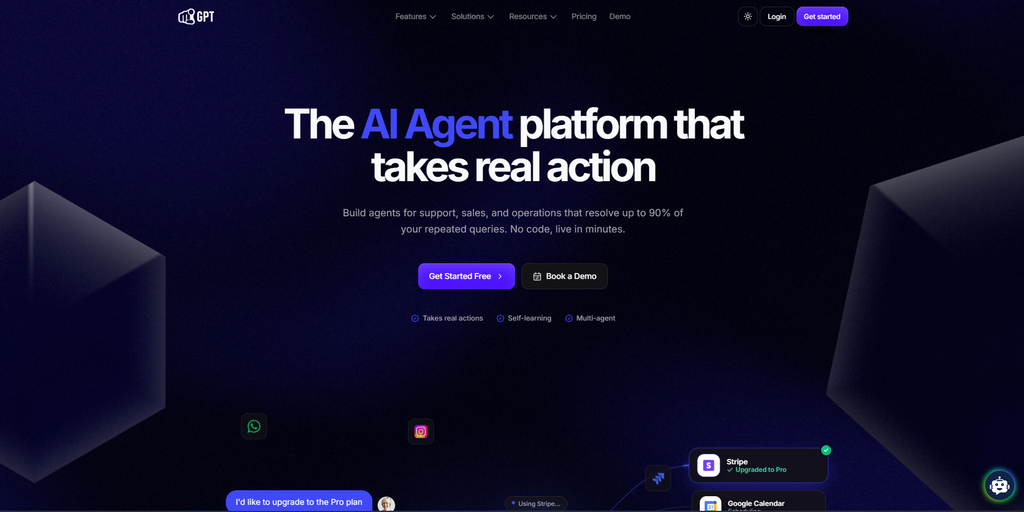
Best for: Support, sales, and ops teams, from SMBs to enterprises, that want to automate customer conversations across every channel
YourGPT is a no-code AI agent platform for support, sales, and operations. Agents train on your own business data, such as your website, PDFs, Notion, and Google Drive, and take real action like refunds, CRM updates, and bookings, reaching, YourGPT says, up to a 90% resolution rate on repetitive queries. One agent runs across website, WhatsApp, Instagram, Telegram, Slack, email, and phone, and connects to tools like Shopify, Salesforce, and WordPress.
Key features
- Omnichannel deployment in 100+ languages from a single agent
- Self-learning agents that close knowledge gaps from unresolved conversations
- Multi-agent setup for billing, refunds, technical support, and sales, with full context passed between them and human handoff for anything the agent can’t close
- AI Studio for building step-by-step workflow logic without code
Pricing
- Essential: $39/month billed annually ($59 monthly). 2 chatbots, 10 million AI credits, 3 members.
- Professional: $79 (129 monthly). 5 chatbots, 30 million credits, 5 members, AI Helpdesk, Functions.
- Advanced: $349 (499 monthly). 10 chatbots, 100 million credits, 20 members, custom branding and domain.
- Enterprise: custom. 7-day free trial.
Pros
- Over 90% resolution in production deployments, according to YourGPT, so fewer repetitive queries reach your team
- Handles support, sales, and operations on one platform, including qualifying leads and guiding prospects
- Completes multi-step tasks across connected systems and APIs, built on your own business data, policies, and rules
Cons
- Deeper workflow logic in AI Studio takes hands-on time to master, and advanced use cases come with a learning curve
- Credit-based pricing, with no per-resolution plan available
- Only a 7-day free trial, no free tier
2. Fetchply
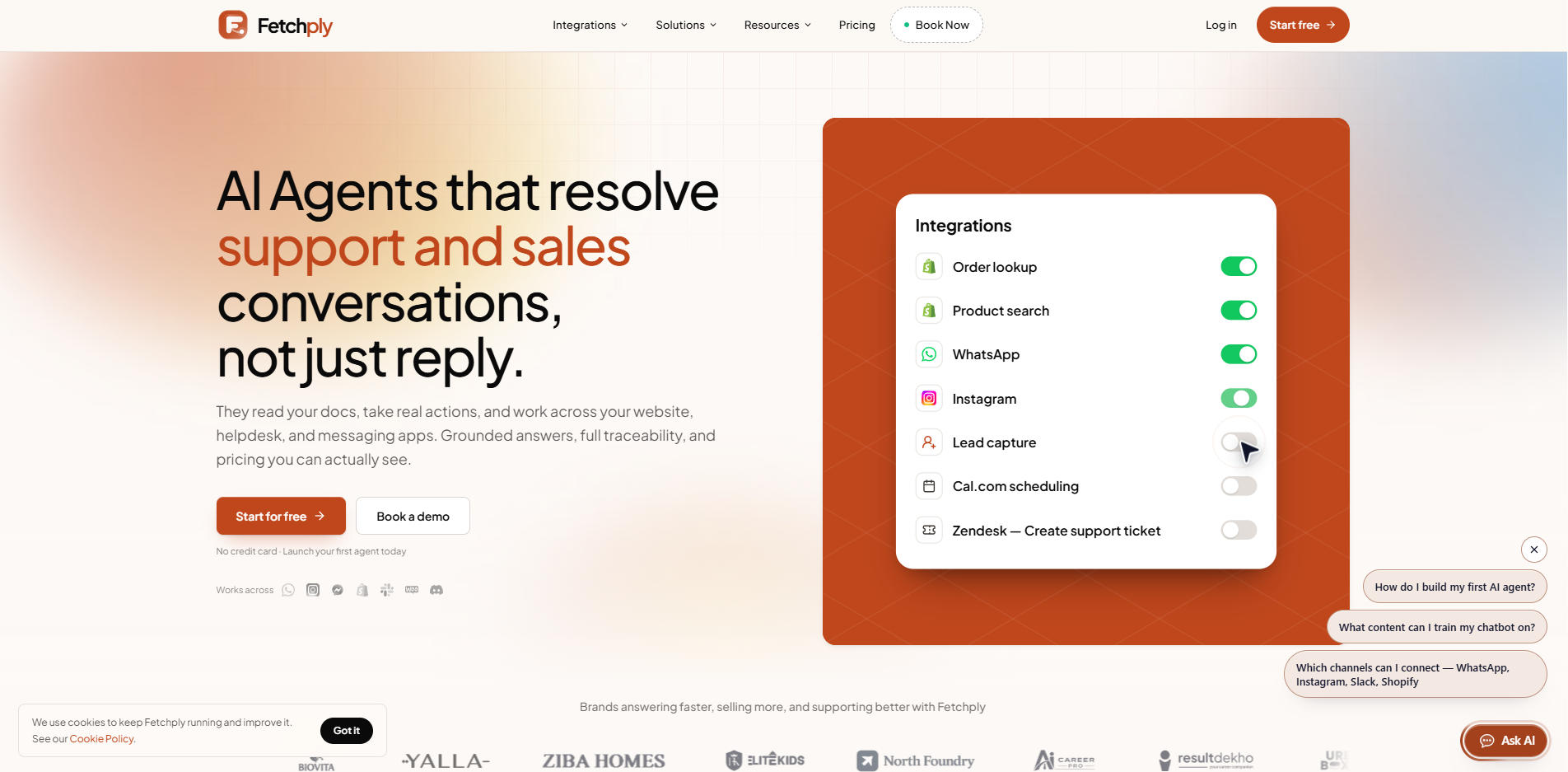
Best for: Online stores that want to answer repeat customer questions instantly, using only their approved content
Fetchply gives every customer question the right path: approved Instant Answers for repeat questions, Guided Flows for predictable requests, your business knowledge for open questions, and your team for complex conversations. Chat agents are trained on your own store content, including products, policies, orders and documents, and answer across your website, WhatsApp, Instagram and Shopify.
Key features
- Instant Answers drawn from approved content, files and Q&A pairs
- Guided Flows built in a visual builder for returns, orders and FAQs
- Verified live order lookups from Shopify and WooCommerce
- Shared inbox with human handoff, assignments and quick replies
Pricing
- Free: $0. 200 AI replies a month, up to 400 products.
- Starter: $18 a month, or $194 billed yearly. 5,500 AI replies, 7-day free trial.
- Pro: $49 a month, or $529 billed yearly. 15,000 AI replies, premium AI models, AI replies on social channels, branding removal, priority support.
- Business: $99 a month, or $1,069 billed yearly. 28,000 AI replies, Pro AI model for higher accuracy, dedicated support.
Pros
- The free plan includes a working AI agent, no card needed
- Answers stay within approved content, which limits invented replies
- Flat plans with no per-resolution fees
Cons
- Listed on the Shopify App Store only since June 2026, with few reviews, so the outside track record is thin
- The free plan caps AI replies at 200 and the catalog at 400 products
- AI replies on social channels start on Pro, which matters if shoppers write on WhatsApp or Instagram
3. Tidio
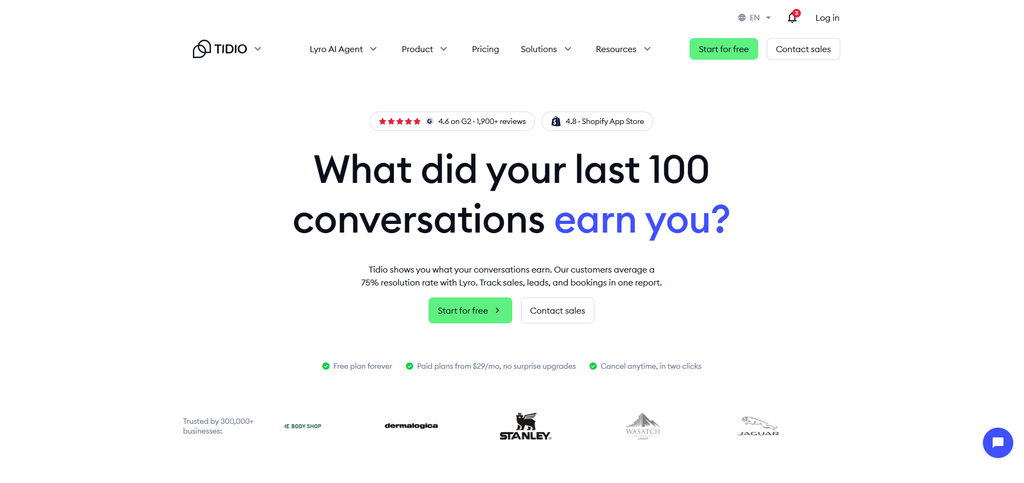
Best for: Stores where people answer chats and AI joins gradually
Tidio combines live chat, a help desk inbox, Flows automations and Lyro, its AI agent, in one product. The inbox collects live chat, email, Messenger, Instagram and WhatsApp conversations. On Shopify, Lyro can check order status, and Tidio lists order history and order management inside the chat window.
Key features
- Lyro answers across live chat, WhatsApp, Instagram and Messenger
- Flows for proactive and rules-based automation
- Shopify order history and order management inside the chat
- One inbox for chat, email and social messages
Pricing
- Free: $0. 50 billable conversations a month, up to 10 agents, a one-time 50 Lyro conversations.
- Starter: $24.17/month billed annually ($29 monthly). 100 billable conversations.
- Growth: $49.17 ($59 monthly). From 250 conversations.
- Plus: from $300 a month plus usage.
- Premium: by quote.
- Lyro add-on: from $32.50 annually ($39 monthly) for 50 conversations.
Pros
- A usable free live chat plan
- Chat, automation and AI share one inbox
- Native Shopify order actions
Cons
- Three meters: billable conversations, Lyro conversations and Flows visitors
- The 50 free Lyro conversations are a one-time grant, not monthly
- Starter and Growth include no monthly Lyro quota
4. Shopify Inbox
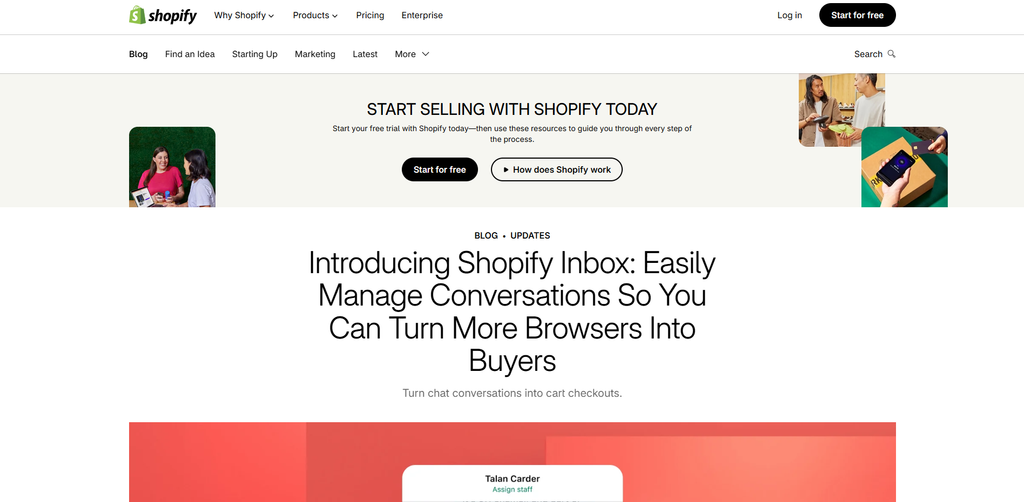
Best for: Shopify stores that want a free AI sales assistant
Shopify Inbox puts an AI sales associate on your storefront. It learns from your catalog, policies and store content while you control its tone, style and rules. Buyers signed in with Shop can get replies personalized from their preferences and purchase history, and you can run Inbox with or without the agent.
Key features
- Catalog, inventory and policies connect automatically
- Tone, style and rules set by you
- Rating chats to train the agent
- Analytics on orders assisted and buyer satisfaction
Pricing
- Free: $0. No paid plans listed.
- Requires a Shopify store.
Pros
- No cost and no setup for store data
- 4.6 from over 5,800 reviews
- Available in 21 languages
Cons
- AI mistakes happen: one October 2026 reviewer on its Shopify App Store page disabled the agent after repeated errors hurt sales
- Works with Shopify Admin and the Online Store only, with no WhatsApp, Instagram or Messenger
- One merchant review notes it answers but cannot take actions such as adding an order note
5. Boei
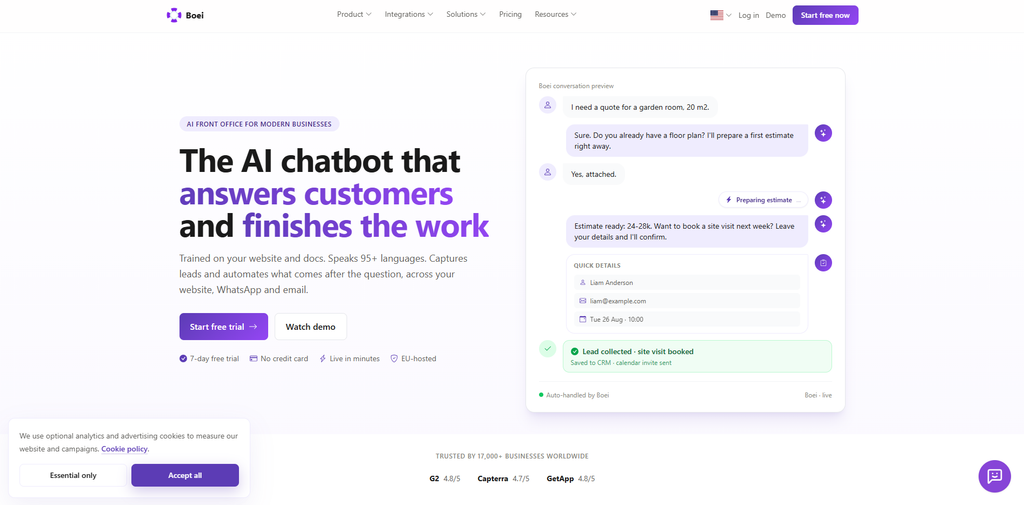
Best for: Small sites and stores that want one AI agent on their website, WhatsApp and email that also captures leads and finishes follow-up tasks
Boei is a basic bot trained on your website, documents and product data. It answers in website chat, WhatsApp and email, captures leads, and can run follow-up actions such as booking a visit or updating a CRM. You set which actions run on their own, which need approval and when a person takes over. Data is hosted in Germany.
Key features
- Training on website pages, PDFs, product catalogs, and past support tickets
- Order and product lookups, lead capture and CRM sync with HubSpot, Pipedrive, Salesforce or any HTTP endpoint
- Approval rules for sensitive steps such as refunds and discounts, with a full audit trail
- Team inbox and live chat with one-click handoff and full conversation context
Pricing
- Starter: $19/month billed yearly ($25 monthly). 1 chatbot, 2,000 AI credits, 1 live chat agent.
- Growth: $49 ($69 monthly). 3 chatbots, 7,000 AI credits, 3 live chat agents, AI actions, workflows, API access.
- Business: $129 ($179 monthly). 10 chatbots, 20,000 AI credits, 5 live chat agents, white-label.
- Scale: $229 ($309 monthly). 25,000 AI credits, 7 live chat agents, 99.5% uptime SLA, custom DPA.
Pros
- Human live chat messages do not use AI credits, and the inbox and live chat come with every plan
- Approval rules keep refunds and discounts behind a click
- It is a cheap tool.
Cons
- Credits are not messages: usage depends on the model, and the chatbot stops replying when credits run out while live chat keeps working
- AI often produces wrong answers
- AI actions and workflows are not active on Starter, only drafts
- No free plan: after the 7-day trial an account that does not upgrade goes read-only
6. Fin (formerly Intercom)
Best for: Stores that already run a helpdesk and want to pay only when the AI resolves a chat
Fin is the AI customer agent from the company that was called Intercom until May 2026. Salesforce completed its acquisition on 10 September 2026, and Fin sits in Salesforce AI Labs. It is still sold as Fin, with Intercom as the helpdesk name, and it runs on your existing helpdesk or inside Intercom.
Key features
- Resolves chats across live chat, email, WhatsApp, SMS, voice and Slack
- Procedures and data connectors for taking actions
- Runs on top of helpdesks such as Salesforce, HubSpot, Freshworks and Gorgias
- Usage alerts and hard limits
Pricing
- Fin on your helpdesk: $0.99 per outcome, with a 50-outcome monthly minimum (about $49).
- Intercom helpdesk seats, billed on top of the per-outcome fee: Essential $29 monthly), Advanced $85 ($99), Expert $132 ($139).
- 14-day free trial.
Pros
- You pay for outcomes, not attempts
- Works on top of the helpdesk you already have
- No charge when a customer asks for a human or a Procedure fails
Cons
- Fin’s own outcome definition counts a chat as resolved when the customer asks for nothing more after the answer, so a silent exit can bill
- Cost rises with success, so the usage alerts and hard limits need to be switched on
- The acquisition announcement does not describe pricing or packaging changes
7. Gorgias

Best for: Shopify brands where several people work a support queue
Gorgias is an ecommerce helpdesk priced by ticket volume, not by seat. It connects to your store, shows order data inside each ticket, and puts email, chat and social conversations in one inbox. Its AI Agent is an optional paid line that handles email and chat, and the chat version requires a Shopify store.
Key features
- Shopify order management inside tickets
- Unlimited channels and automation rules on every plan
- AI Agent for email and chat as an add-on
- Unlimited agents on Pro and Advanced
Pricing
- Starter: $10 a month, monthly billing only. 50 tickets.
- Basic: $50 billed annually 60 monthly). 300 tickets.
- Pro: $300 ($360 monthly). 2,000 tickets.
- Advanced: $750 ($900 monthly). 5,000 tickets.
- Enterprise: custom.
Pros
- Unlimited agents from Pro up
- Deep ecommerce tooling for orders
- The cheapest helpdesk entry on this list at $10
Cons
- An AI-handled thread counts twice: as an automated interaction and as a billable ticket
- Interactions beyond the bundle cost $1.50 each
- Starter and Basic stop at three agent seats
How to Test an AI Support Tool With 30 Real Questions
The entries show what each tool offers, not how it answers your customers. A vendor demo shows the best case, so run this test on your own store instead. Most of these tools offer a free plan or trial long enough to finish the five steps in a week.
- Pull 30 real questions: Use the last 60 days of email and chat: 10 on orders and delivery, 6 on returns and refunds, 6 on sizing or product fit, 4 your pages do not cover, and 4 from upset customers.
- Train on published pages only: Fix contradictions first. If your FAQ says 30-day returns and a product page says 14, the agent may quote either. Most of these agents retrieve passages from your pages when a question arrives instead of retraining a model.
- Score every answer: as correct, partly correct, wrong, or correctly handed off. The pass bar is zero wrong answers on price, delivery and returns.
- Ask for a human at 11 p: Check who receives the whole conversation and what the shopper sees when nobody is online.
- Audit the bill: On per-outcome tools, read 20 billed conversations and check whether the customer was actually helped. Then price the tool at twice your volume.
A few questions come up every time store owners run this.
FAQs
What is AI customer support for an online store?
AI customer support helps online stores answer customer questions automatically. It uses your product details, shipping policies, and return rules to answer questions about delivery, orders, and products. Depending on the tool, it can also check order status, help process returns, and hand conversations over to a human when needed.
Is AI customer support worth it for a small online store?
Yes, if you spend too much time answering the same questions about shipping, returns, and products. An AI chatbot can handle these questions while you focus on running your store. If you receive only a few customer messages each week, an FAQ page and saved replies may be all you need. You can start with a free plan or trial, or browse free AI tools for different needs before choosing a paid solution.
Is it safe to give an AI chatbot access to customer data?
It can be, provided you choose a trustworthy tool and limit what it can access. Before connecting your store, check how the provider stores customer data, whether it uses your data to train AI models, and how it verifies customers before sharing order details. Give the chatbot only the permissions it needs to do its job.
Can AI replace human customer support?
Not completely. AI can answer common questions about shipping, returns, products, and order status, freeing your team to handle more difficult cases. Refund disputes, unusual requests, and frustrated customers may still need a human. The goal is to reduce repetitive work without making customers struggle to reach a real person.
Can an AI chatbot issue refunds or change orders?
Yes, some AI chatbots can issue refunds, update orders, or start returns when connected to your store and given the right permissions. Not every tool supports these actions, and some require human approval. Test each action carefully and keep approval requirements for refunds or other high-impact changes until you are confident the chatbot handles them correctly.
Do AI customer support tools work on WhatsApp and Instagram?
Many AI customer support tools support WhatsApp and Instagram, but available channels depend on the platform and plan. Some tools also let you manage website chat and social messages from one inbox. Before choosing a tool, check that it supports both channels you use and can do more than send automated replies if you need it to take action on customer requests.
Do I need a helpdesk, or is a chatbot enough?
A chatbot may be enough if you run a small store and handle customer messages yourself. A helpdesk becomes useful when several people manage support, messages come from different channels, or conversations get missed. It helps your team assign conversations, track unresolved issues, and follow up when needed. If you are working alone and rarely lose track of messages, you may not need one yet.
Conclusion
AI customer support is becoming more valuable as it moves from answering questions to resolving customer requests. Checking an order, updating a delivery address, or starting a return can save your team time, but only when the AI has the right store access and follows your policies. Before handing over these tasks, decide which actions can be completed independently, which require approval, and when a conversation must go to a person. Review failed resolutions and customer conversations regularly. They often reveal missing product details, unclear return policies, and recurring problems that better training alone cannot fix.
Choosing the right tool requires more than comparing feature lists. Before committing to an annual plan, test your two strongest options against the same 30 real customer questions, including order enquiries, return requests, policy exceptions, and questions the AI should not answer without help. Track how accurately each tool responds, how many requests it resolves without human intervention, how often it escalates unnecessarily, and what those resolutions cost. Check the current plan limits, channel availability, and integration requirements before making your decision, since these can change over time. AIListingTool’s comparison page can help you compare available tools and narrow down your shortlist. The best choice is the one that resolves your store’s actual support workload reliably at a cost your business can justify, not the one with the longest feature list.