Komiko AI: Features, Pricing, Tools & Reviews 2026

Turning a manga idea into something visible used to take hours of sketching before you even knew if the scene worked. Komiko AI changes that. It is a prompt-to-comic workflow that lets you describe a character, a setting, and an emotional beat, then generates a usable panel in minutes. This matters most for story validation — you catch weak pacing or unclear emotion before committing to final art. Built as a full manga/webtoon/anime creation platform, it brings illustration, animation, and comic tools together in one place. Whether you write manga, webtoons, or original comics, this guide breaks down exactly how Komiko AI works and who it fits best.
What Is Komiko AI?
Komiko AI is a prompt-to-comic workflow that turns your written ideas into visual comic panels. You describe a scene. You describe a character. The system then generates a manga/webtoon/anime creation platform-style panel based on that description. It is not just a random image generator. It is built specifically for visual storytelling.
Think of Komiko AI as a replacement for the first rough sketch stage of your project. Instead of doodling for an hour to see if an idea works, you get a usable storyboard draft in minutes. This matters for story validation. You find out early if a scene lands emotionally, before you invest real time in final art. The platform is made by Entropia, and it should not be confused with NHN comico Corp., which is a separate and unrelated company with a similar-sounding name.
Komiko AI Tools and Features
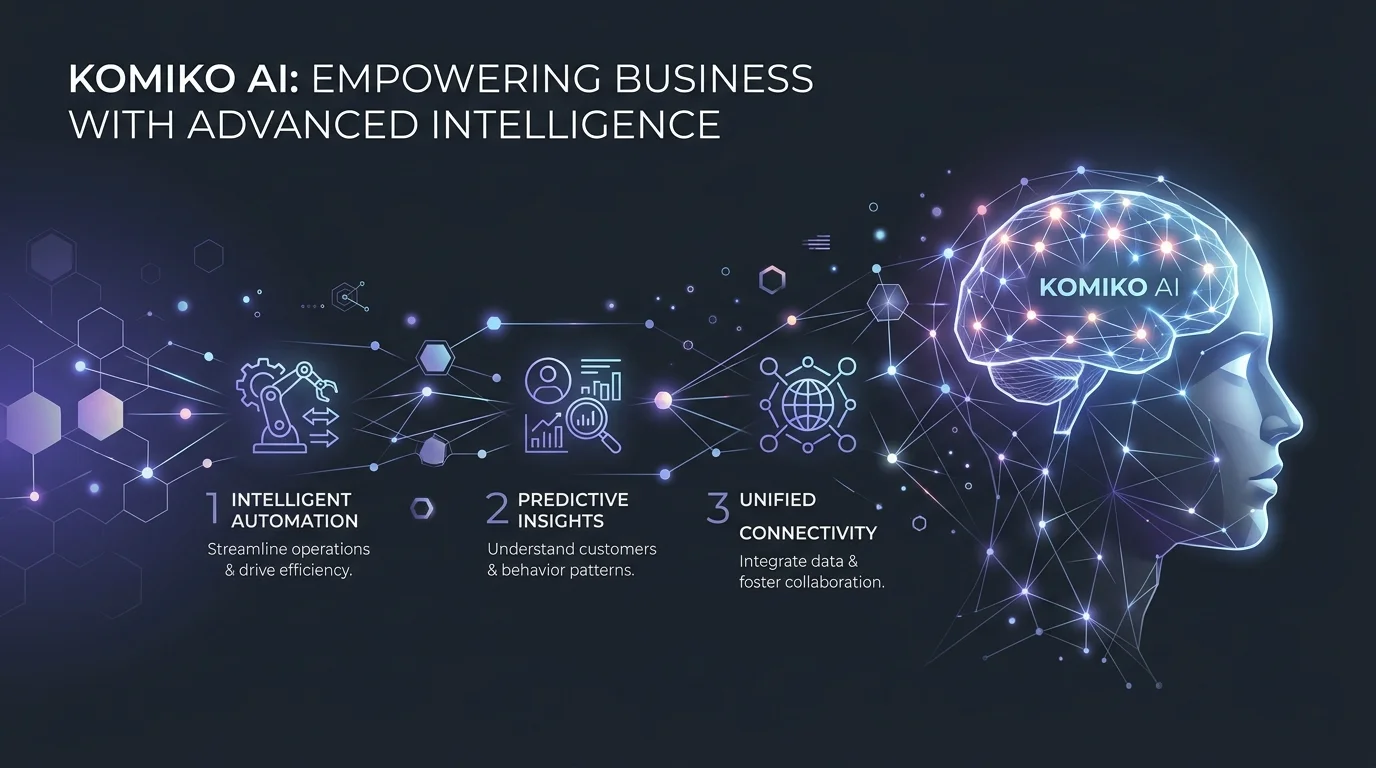
One of the strongest things about Komiko AI is how many tools live under one roof. Instead of jumping between five different apps, everything sits inside one AI comic generator and AI manga generator hub. This saves time and keeps your creative process in one place.
Below is a simple breakdown of the four main toolkits inside the platform.
| Toolkit | What It Does | Best For |
|---|---|---|
| AI Models | Powers image and video generation | Getting varied art styles fast |
| Illustration Tools | Cleans up and refines art | Polishing raw sketches |
| Animation Tools | Turns still art into motion | Bringing scenes to life |
| Comic Tools | Builds full comic pages | Assembling final panels |
AI Models
Komiko AI runs on a mix of leading AI models rather than just one. This includes Gemini, GPT-4o, Midjourney, Kling 2.1 and Kling 1.6, Hailuo AI, Google Veo 2, Veo3, and Veo 3.1. It also taps into Wan 2.1, Wan 2.5, Wan 2.6, Wan Animate, Luma Ray, PixVerse AI, Qwen Image Edit, Nano Banana 2, AniSora, Vidu Q1 and Vidu Q2, Magi-1, Marey, Runway Aleph, Seedance, and NoobAI XL. That is a lot of firepower. Having so many models under one system means you are not stuck with a single art style. You can test manga, webtoon, or anime looks side by side.
Illustration Tools
This is where the OC (original character) maker lives, letting you build an original character and reuse it across many scenes. There is also line art colorization, which adds color to black-and-white sketches automatically. Sketch simplification cleans up messy pencil lines. Background removal, image upscaling, and image relighting round out the set, giving you full control over the finished look without needing a design degree. Fans of soft, painterly art styles may also want to check our Ghibli-style AI generator guide for a similar aesthetic direction.
Animation Tools
Static panels are great, but sometimes a scene needs to move. Komiko AI offers keyframe to animation generation, which takes two still images and fills in the motion between them. This process relies on in-betweening and frame interpolation, two techniques borrowed from traditional animation studios. There is also video upscaling and a layer splitter for separating character parts, which helps a lot when you want to animate just one piece of a character, like a blinking eye or a waving hand. If you want to see how a dedicated animation-only tool compares, our paper animator complete guide covers a similar keyframe-based workflow in more depth.
Comic Tools
At the center of it all sits the comic panel generator, plus a full canvas called AI Comic Studio for laying out pages. A character sheet generator keeps every version of your character consistent. This is huge for long-running stories where a character needs to look the same in episode one and episode fifty.
How Komiko AI Works
Using Komiko AI feels less like operating software and more like directing a small film crew. You are not drawing. You are describing. The system handles the heavy lifting of text-to-image generation while you focus on story.
The process breaks down into three clear steps, and none of them require any drawing skill at all.
Choose Your Scene or Job
First, decide what the scene needs to do. Is it introducing a character? Building tension? Delivering an episode hook that makes readers want the next chapter? Naming the job of the scene before you write a single prompt saves you from wasted revisions later.
Prompt the Panel Beats
Next, describe the panel-by-panel story beat. This includes the setting, the character’s expression, and the action happening in frame. You also get camera angle control, so you can specify a close-up on a face or a wide shot of a battlefield. Good dialogue and pacing notes here make a real difference in the final output.
Refine for Story Impact
Finally, look at the draft and adjust it. Maybe the pacing feels rushed. Maybe the emotion does not read clearly enough. This refining step is where prototype episodes get sharper before you commit to finished art. Most creators run through two or three rounds here, and that is completely normal.
Before and After: Komiko AI in Action
It helps to see the contrast between the old way of working and the new one. The change is not small. It is a genuine shift in how fast an idea can become something visible.
Before Komiko AI
Before tools like this existed, writers faced what is often called the blank-page problem. A strong idea sat in a notes app for weeks because there was no fast way to see it. Hiring an artist to test a concept was expensive and slow, and many great ideas never made it past the notebook stage.
After Komiko AI
Now, that same idea can become a visible panel in minutes. Creators can judge mood, pacing, and visual direction before spending a single hour on final art. One creator put it well in a piece of user feedback: “I finally saw a potential use case where the character consistency really grabbed my attention.” That kind of early proof changes everything about how a project gets planned.
Gallery and User Samples
The platform’s gallery samples cover a wide range of genres, from cyberpunk rebels to sakura-themed slice-of-life moments. Browsing these samples before you start is a smart move. It shows you exactly what kind of results to expect, and it often sparks ideas you had not thought of yet.
Who Uses Komiko AI?
Komiko AI was not built for one narrow group. It serves a wide mix of creative people, but three groups get the most value out of it.
Solo Manga and Webtoon Creators
Solo manga creators and webtoon creators often lack a team. They are writing, drawing, and editing all by themselves. For this group, Komiko AI acts like a creative partner that never sleeps, helping test scenes fast without needing to hire outside help.
Panel-First Storytellers
Some writers think in sequences rather than paragraphs. These storytellers and writers benefit from panel-first storytelling, where the beat-by-beat rhythm of a scene matters more than polished art on the first pass. If your focus leans more toward anime-style character art than sequential panels, our Yodayo AI anime generator guide is a useful companion read.
Character and Style Direction Teams
Small studios and indie comic artists also use the platform to test character and style direction before greenlighting a bigger project. It is a low-risk way to explore options before committing real budget.
Why Choose Komiko AI Over Other Tools
There are plenty of image generators out there. So what makes this one different? The answer comes down to purpose. Komiko AI was designed specifically around comic and manga storytelling, not generic art.
Reduce Wasted Drawing Time
Every hour spent drawing a scene that does not work is an hour you cannot get back. Testing first means less waste later.
See Character Emotion Earlier
Facial expression and body language often make or break a scene. Seeing this early, rather than after a full illustration pass, saves real frustration.
Compare Style Directions
Manga, webtoon, anime, or slice-of-life. You can try them all on the same scene and pick the one that fits your story best.
Build Pitch References Fast
If you need to show a publisher or a collaborator what your idea looks like, a fast concept art / pitch reference beats a written description every time.
What 100,000+ Users Are Saying
Over 100,000+ users have tried the platform, and the feedback tells a consistent story: this tool solves a real problem, not an imaginary one. The overall rating sits at a strong 4.5/5, based on user testimonials shared across the community.
Here is a sample of what real users have said.
Jake M. shared that after years of searching for a comic tool that matched his creative pace, this one finally broke through his usual limits.
Sarah L. said she has tested many AI art tools, but this was the first one where she saw a genuine professional use case, largely thanks to character consistency.
Michael B. explained that as a busy professional, he had almost given up on creative projects, until this tool made storytelling accessible again in his limited free time.
Alex T. pointed out that the platform balances speed with quality, especially appreciating the mix of image generation and story text support working together.
Maya S. admitted she was skeptical of AI in comics at first, citing past controversies, but came around to seeing real value in a tool that empowers solo creators.
Taylor H. noted that keeping characters consistent across panels is historically a hard problem, and was impressed at how well this tool handles it, even if not flawless yet.
Komiko AI vs. Related Tools
No single tool does everything perfectly, and it helps to know where each one shines. Below is a quick comparison of Komiko AI against some related tools in the same space. If your project leans more toward motion than static panels, our Animon AI review and our Animon AI vs competitors breakdown both cover image-to-anime-video generation in more detail.
| Tool | Best Use Case | Output Format |
|---|---|---|
| Komiko AI | Manga and webtoon panel drafts | Static comic panels |
| AI Comic Strips Maker | Quick short-form comic strips | Static strips |
| Free AI Comic Generator | No-cost comic creation for beginners | Static panels |
| AI Manga Studio | Full manga chapter production | Static pages |
| Comic to Video / Video to Comic | Converting between comic and video formats | Video and comic |
| Voice Story Generator | Adding narration to a story | Audio |
AI Comic Strips Maker
This tool focuses on short, punchy strips rather than full episodes. It works well for quick jokes or single-page ideas, but it does not offer the same depth of panel-by-panel planning.
Free AI Comic Generator
Aimed at total beginners, this option strips away advanced settings. It is a fine starting point, though it lacks the model variety and character consistency tools found elsewhere.
AI Manga Studio
Built for longer manga projects, this tool leans into full chapter production. It pairs well with a panel-testing tool used earlier in the process.
Comic to Video / Video to Comic
These tools move content between formats. A finished comic can become a short animated video, or an existing video can be converted into comic panels, which is handy for repurposing content across platforms.
Voice Story Generator
Adding a narrated voice track to a visual story adds another layer of accessibility. This pairs naturally with AI Talking Head and AI Dance Video Generator style tools for a fuller multimedia package.
Frequently Asked Questions
Is Komiko AI good?
Yes, most reviews are positive, with 100,000+ users praising its speed and character consistency, though it’s better for drafting than final polished art.
Is Komiko AI free?
Komiko AI offers a free tier to test the core generator, with paid plans unlocking higher output limits and advanced tools.
What is the AI that makes NSFW art?
Komiko AI is built for manga, comic, and story panels, not NSFW content, and most mainstream AI art platforms restrict adult content under their usage policies.
What anime is 95% AI?
That refers to Twins Hinahima, a 2025 anime by Frontier Works and KaKa Creation reported to use AI for over 95% of its animation cuts.
Create Your First Comic with Komiko AI Today
There is no better way to understand this tool than to try it yourself. Describe a character. Describe a moment. Watch it turn into a real panel in front of you.
Whether you are one of many solo manga creators, a curious first-timer, or someone building a full manga/webtoon/anime creation platform project, Komiko AI gives you a fast, low-risk way to start. Open the tool, write your first scene, and see your story come to life today.