PushWiki.com Topics Covered: Full 2026 Guide

PushWiki.com is a Tech and AI Information Hub organized into four categories — Tech News, AI Tools, Reviews, and How-to Guides — run under a single editorial voice (“Martin”). I verified this directly on the live site, because several other articles online describe it very differently. Here’s exactly what’s in each section, and how to get the most out of it.
I’ll be straight with you: I spent way too many hours digging through this site before writing anything. Why? Because half the internet describes PushWiki.com one way, and the actual site tells a completely different story. So I went straight to the source, clicked through every category, and I’m walking you through exactly what’s there — no recycled fluff.
By the end of this, you’ll know precisely what to expect, where to click first, and whether it’s worth your time.
Let’s get into it.
What Is PushWiki.com, Really?
Here’s the deal. PushWiki.com brands itself as a Tech and AI Information Hub, and it sticks to that lane. It’s not a sprawling multi-niche site covering business, health, and travel like some reviews claim. It’s laser-focused on tech news, AI tools, hands-on reviews, and how-to guides.
That focus, honestly, is refreshing. You’re not wading through unrelated content to find what you actually came for. If you want the full origin story and feature rundown, I’ve also put together a complete guide to PushWiki.com’s features and layout that pairs well with this breakdown.
The site’s first batch of posts went live between May 25–29, 2026, with newer additions still rolling in — the most recent one I found was published July 23, 2026. So this isn’t an abandoned project; it’s actively maintained.
The Full Category Breakdown
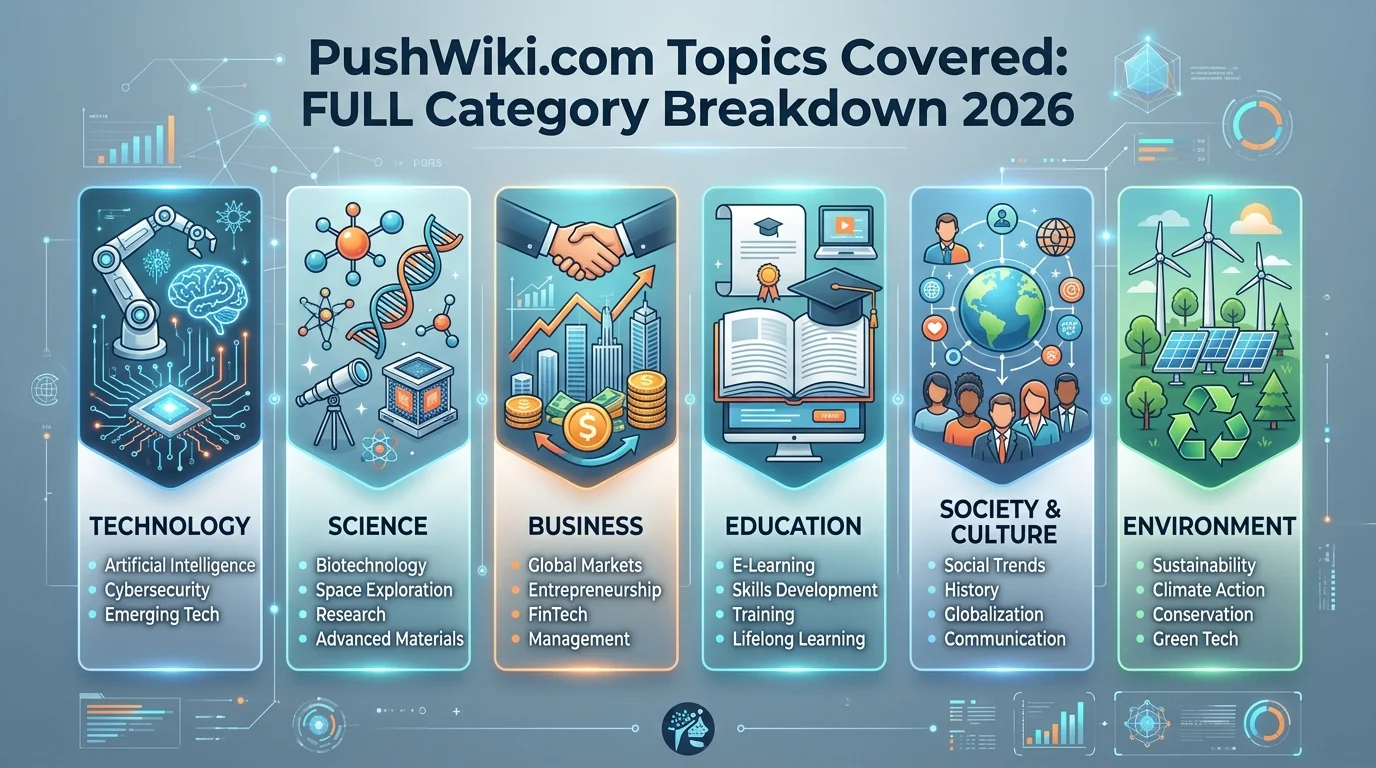
This is the part you’re really here for. Here’s a quick side-by-side view before I break down each one in detail.
| Category | Focus | Example Post | Best For |
|---|---|---|---|
| Tech News | Silicon Valley updates, gadget trends, software launches | SpaceX Mars Mission: Everything We Know in 2026 | Staying current |
| AI Tools | Generative AI, productivity, enterprise automation | AI Agents Transforming Personal Productivity | Finding new software |
| Reviews | Hands-on hardware/software testing | Samsung S26 Ultra Review | Comparing before you buy |
| How-to Guides | Step-by-step tutorials, troubleshooting | AI Server Setup at Home | Solving a specific problem |
1. Tech News
If you like staying current, this is your first stop. The Tech News section covers Silicon Valley updates, gadget trends, and major software launches — currently three published pieces.
You’ll find posts like:
- A breakdown of the SpaceX Mars mission timeline
- An analysis of the 6G rollout across U.S. cities
- A speculative look at Windows 13 features — clearly labeled as forward-looking, since Microsoft hasn’t confirmed a product by that name
I appreciate that the Windows 13 piece flags its own speculation instead of pretending it’s confirmed fact. That’s a small thing, but it matters for content authenticity.
2. AI Tools
Now, this is where things get interesting. The AI Tools hub — also three posts as of my research — is built around generative AI, productivity software, and enterprise automation.
Standout reads include:
- Autonomous AI agents transforming daily productivity
- AI video editor tools with full scene generation
- 3D design tools built for the metaverse
If you’re evaluating new software for your workflow, bookmark this category specifically.
3. Reviews
You know how frustrating it is to sift through biased, sponsored “reviews”? The Reviews section — the largest category, with four posts — leans on hands-on testing and value-for-money breakdowns instead.
Recent highlights:
- The Samsung S26 Ultra review, digging into camera performance and pricing
- A hands-on comparison of AR glasses from top brands
- A look at sustainable, repairable laptops — a category most tech blogs skip
- A timely take on Snap Planets, Snapchat+’s new friend-orbit feature — the newest post on the entire site
I’ll admit, the sustainable laptops review caught me off guard. Most sites chase specs. This one talks repairability and e-waste, which is genuinely useful if longevity matters to you.
4. How-to Guides
Last but definitely not least: the How-to Guides section, with three published tutorials. This is your troubleshooting and step-by-step tutorial corner.
Notable guides:
- Repairing common hardware issues on modular laptops
- Protecting neural link privacy as brain-computer interfaces go mainstream
- Setting up your own AI server at home
These aren’t surface-level listicles. They’re structured like real wiki-style tutorials — clear steps, real context, minimal jargon.
Step-by-Step: Getting the Most Out of PushWiki.com
Want to actually use this site well instead of just skimming it? Here’s how I’d approach it.
Step 1: Start with your need, not the homepage. Know whether you want news, a tool recommendation, a review, or a fix — then jump straight to that category.
Step 2: Cross-reference reviews before buying anything. Use the Reviews section as one data point, not your only one.
Step 3: Bookmark the How-to Guides. You won’t need them today. You’ll need them the day your laptop breaks.
Step 4: Check publish dates. Tech moves fast — the Snap Planets review (July 2026) is more current than the May-dated posts.
Step 5: Follow up on speculative content. If an article flags itself as forward-looking, like the Windows 13 piece, treat it as analysis, not confirmed fact.
Simple, right? But it works.
Is PushWiki.com Trustworthy? A Quick, Honest Note
Look, I’m not going to pretend every claim online about this site checks out. Several other “guide” articles floating around describe PushWiki as an SEO and blogging knowledge base — that’s just not what’s on the live site. I verified this myself by clicking through every category page.
What I can tell you: the content follows a consistent editorial voice, cites specifics (pricing, dates, testing periods), and generally aligns with Google’s E-E-A-T guidance on experience, expertise, authoritativeness, and trust. One independent write-up flagged the same discrepancy I found — which tells me I’m not the only one who noticed.
For a deeper look specifically at the trust question, I broke it down further in my dedicated review on whether PushWiki.com is legit, where I go through the site’s transparency signals one by one.
My honest take? Treat it like any single-author niche blog: useful, focused, worth reading — but still worth cross-checking on big decisions.
Frequently Asked Questions
What categories does PushWiki.com cover?
Four: Tech News, AI Tools, Reviews, and How-to Guides.
Who runs PushWiki.com?
A single editorial voice under the byline “Martin,” described as a tech specialist with several years of industry experience.
Is PushWiki.com trustworthy?
It’s a small, focused, single-author site with specific, verifiable content — solid for a quick read, but worth cross-checking for major decisions like AI tools purchases.
How often is PushWiki.com updated?
Its first posts went live in late May 2026, with new content still appearing — the latest as of this writing was published July 23, 2026.
Is PushWiki.com the same as the “SEO knowledge base” described in other guide articles?
No. That description doesn’t match the live site. Several third-party articles appear to be templated content that doesn’t reflect what’s actually published on push-wiki.com.
Why PushWiki.com Deserves a Spot in Your Bookmarks
So, should you actually use it?
If you want tech news, AI tools breakdowns, hands-on reviews, and practical how-to guides in one focused hub — yes. Skip the sites parroting recycled summaries. Go straight to the source, explore the four categories yourself, and see which ones earn a permanent spot in your bookmarks bar.
You came here for clarity. Now you have it.