Humanize AI Text Free & Unlimited (2026)

To humanize AI text for free, you combine manual editing (breaking up sentence rhythm, swapping robotic phrasing, reading your draft aloud) with a free ai text humanizer tool as a final pass. This two-step approach — manual editing plus tool cleanup — beats relying on any single humanizer alone, since detectors like GPTZero and Turnitin catch patterns that automated tools often miss on their own. Below is the full step-by-step process, a comparison of the top free tools, and answers to the questions people ask most.
What Does “Humanize AI Text” Actually Mean?
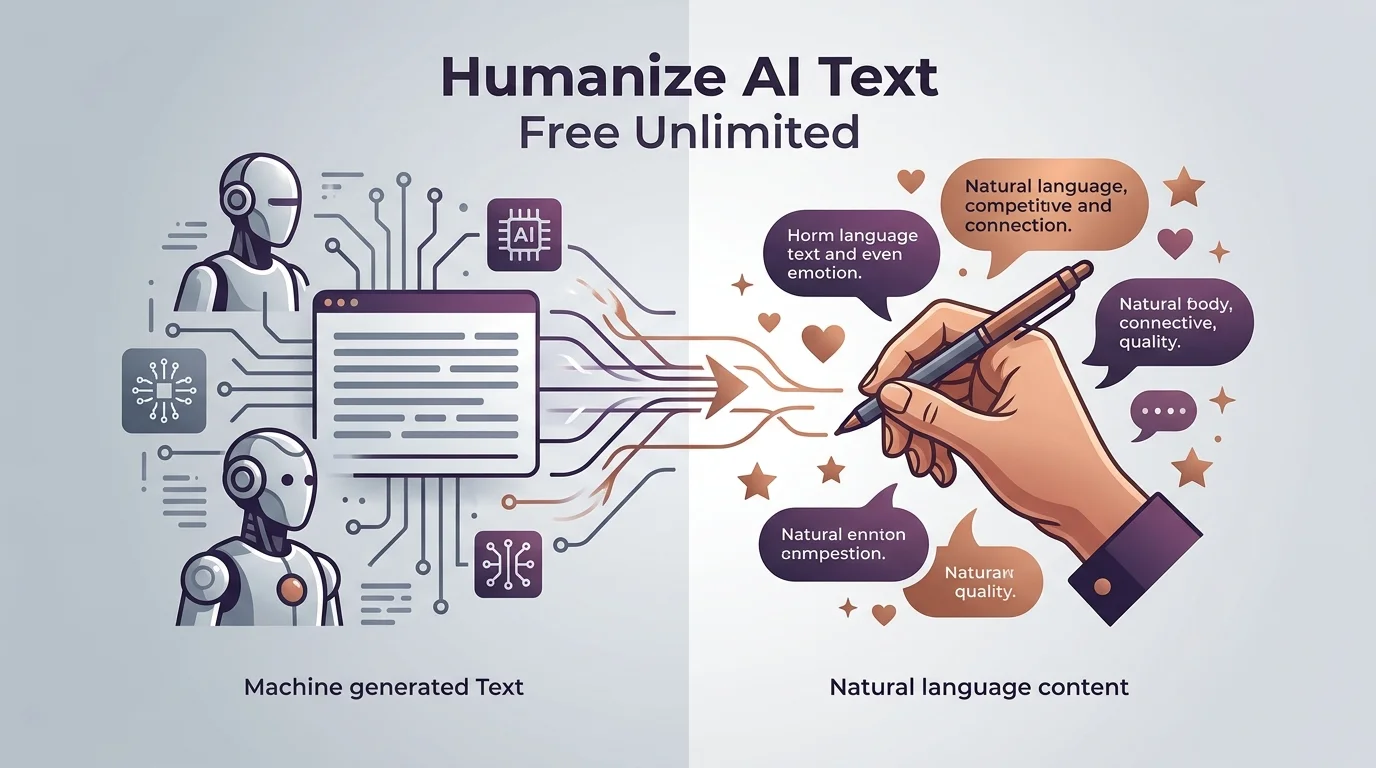
Here’s the short version: it means taking machine-generated writing and reshaping it so it reads like a real person wrote it — varied sentence lengths, natural word choices, a little imperfection thrown in for good measure.
It’s not about tricking anyone. It’s about fixing the flat, robotic tone AI models default to. You know the tone I mean. Every sentence the same length. Every paragraph structured like a textbook. That’s the stuff readers (and detectors) pick up on instantly.
An ai text humanizer takes that stiff output and loosens it up. Think of it as a style editor, not a magic eraser. If you want a broader rundown of free options before committing to one, our free AI humanizer tools guide covers several worth trying.
Why Does This Even Matter?
Because ai content detection tools are everywhere now — in classrooms, in editorial workflows, in hiring pipelines. If your writing gets flagged, even wrongly, it can cost you a grade, a client, or a job offer.
So yeah. It matters.
How AI Detectors Actually Catch You
Before you can beat the system, you’ve gotta understand it. Most detectors — GPTZero, Turnitin, Originality.ai, and Copyleaks — rely on two core signals: perplexity and burstiness.
Stick with me, this isn’t as technical as it sounds.
- Perplexity measures how predictable your word choices are. AI models pick the statistically likely next word almost every time. That makes the text low-perplexity, which is detector-speak for “suspiciously smooth.”
- Burstiness looks at your sentence rhythm. Humans naturally mix short punchy sentences with long, winding ones. AI text tends to stay pretty uniform — same length, same pacing, over and over.
Turnitin, for instance, chops your document into roughly 200-word chunks and scores each one against known ai writing patterns, flagging anything that crosses its confidence threshold. GPTZero does something similar but adds a sentence classifier and what it calls a “paraphrase shield” to catch text that’s been lightly reworded.
Here’s the part that should make you feel better: these tools aren’t perfect. As of early 2026, independent testing found GPTZero false-flags roughly 2 to 4% of native, human-written academic text as AI. That’s real people getting wrongly accused. It happens more than you’d think.
Step-by-Step: How to Humanize AI Text for Free
Alright, let’s actually fix your text. Here’s the process I’d walk through if it were my draft.
Step 1: Write Your First Draft with AI (No Shame Here)
Use ChatGPT, Claude, whatever you like. Get your ideas down. Don’t overthink this stage — the goal here is speed, not polish.
Step 2: Read It Out Loud
Seriously. Read your draft out loud, sentence by sentence. Every time you stumble, that’s a sign the sentence is too stiff or too long. Mark it.
This single step does more for natural language processing-style flow than almost anything else, because you’re using your own ear as the detector.
Step 3: Break the Rhythm
AI writing loves medium-length sentences. Break that habit on purpose.
Add a short one. Then a long one that carries a bit more weight and maybe even trails into a second thought before landing. Then short again.
This is sentence structure variation, and it’s the single biggest lever for beating both detectors and boring your readers less.
Step 4: Swap Robotic Phrases for Real Ones
AI tends to reach for the same safe, generic phrasing. Replace it. Instead of “It is important to note that,” just say what you mean. Instead of “leverage,” say “use.” Small swaps, big difference in conversational tone.
Step 5: Run It Through a Free Humanizer Tool
Once you’ve done the manual pass, run your draft through a free ai to human text converter to smooth out anything you missed.
Step 6: Check Your Work
Don’t just trust the humanizer blindly. Run your finished text back through a plagiarism checker and a detector to confirm it reads clean. Consistency across multiple checkers gives you way more confidence than one green light. For a deeper walkthrough of this step, see our complete plagiarism checker guide.
Comparing the Top Free AI Humanizer Tools (2026)
Here’s how the three most-used free tools stack up as of mid-2026. For a wider lineup with more options, check our best AI humanizer tools roundup.
| Tool | Word Limit Per Run | Signup Required | Languages | Cost |
|---|---|---|---|---|
| HumanizeAI.io | Higher limit, tiered by plan | Not required for basic use | Multiple | Free tier + paid tiers |
| NoteGPT AI Humanizer | Up to 10,000 characters per run | Not required | Multiple, including non-English | Free |
| SuperHumanizer | 1,200 words per run, unlimited runs | Not required | English-focused | Free |
The key thing to notice: “unlimited” almost always means unlimited uses, not unlimited length per submission. Read the fine print before you paste a 5,000-word article into one pass — you’ll likely need to split it up.
Common Mistakes That Get People Flagged Anyway
You Over-Rely on a Single Humanizer Pass
One rewrite rarely fixes everything. Combine the manual edits from Steps 2 through 4 with the tool pass in Step 5.
You Ignore Plagiarism Risk
Some humanizers stack plagiarism-checking functionality into their scoring. Make sure your rewritten draft is actually original, not just reshuffled.
You Forget Your Audience
A resume needs a different tone than a blog post. A cover letter writing tool should sound personal and specific to you, not generically “humanized.”
You Skip the Multilingual Check
If you’re writing in a second language, confirm your humanizer actually supports multilingual text conversion properly — quality varies a lot between tools here.
Frequently Asked Questions
Is humanizing AI text the same as plagiarism?
No. Plagiarism means passing off someone else’s work as your own. Humanizing AI text means rewriting your own AI-assisted draft so it reads naturally — it’s an originality and style issue, not a source-attribution issue. That said, always run a plagiarism check (Step 6) since some AI outputs can echo training data too closely.
Can Turnitin still detect humanized text?
Sometimes, yes. Turnitin scores against a confidence threshold, and heavily “smoothed” AI text can still trip it if sentence patterns stay too uniform. That’s why the manual editing steps matter more than the tool pass alone.
Do free humanizers work as well as paid ones?
For most everyday writing — blog drafts, cover letters, study notes — free tools like the ones compared above are enough. Paid tiers typically add higher word limits per run, more rewriting modes, and priority processing, which matters more if you’re humanizing content at scale.
Will humanizing my text hurt my SEO?
No, and it can actually help. Tools like HumanizeAI.io are built to lock important keywords in place during rewriting, so your target phrases stay intact while the surrounding language sounds more natural.
Should You Actually Use One of These Tools?
Look, I’ll be straight with you: if you’re publishing content regularly, editing AI drafts by hand every single time isn’t sustainable. That’s exactly the gap these tools fill.
A solid free ai text humanizer saves you time, smooths out the robotic tone detectors key in on, and — when paired with the manual steps above — gets you writing that actually sounds like you. Not a perfect shortcut. A genuinely useful one.
Start with the manual rhythm-breaking steps. Then let a free tool clean up what’s left. That’s how you humanize AI text in a way that actually holds up, whether it’s a person reading it or a detector scanning it.